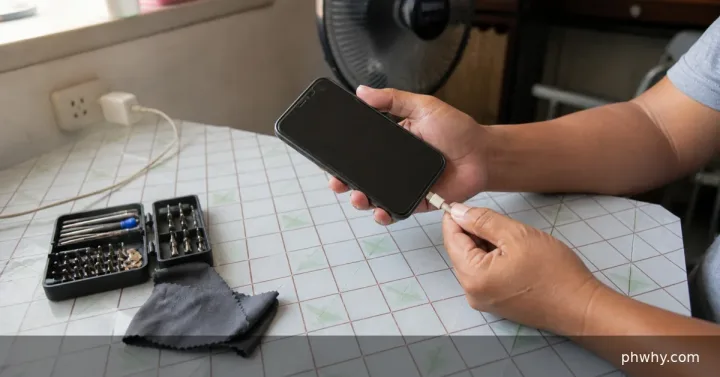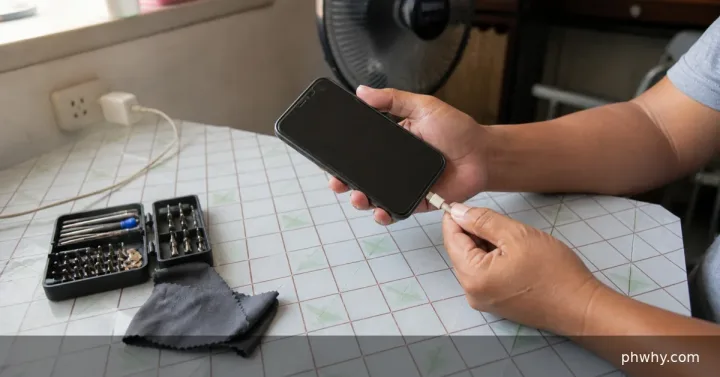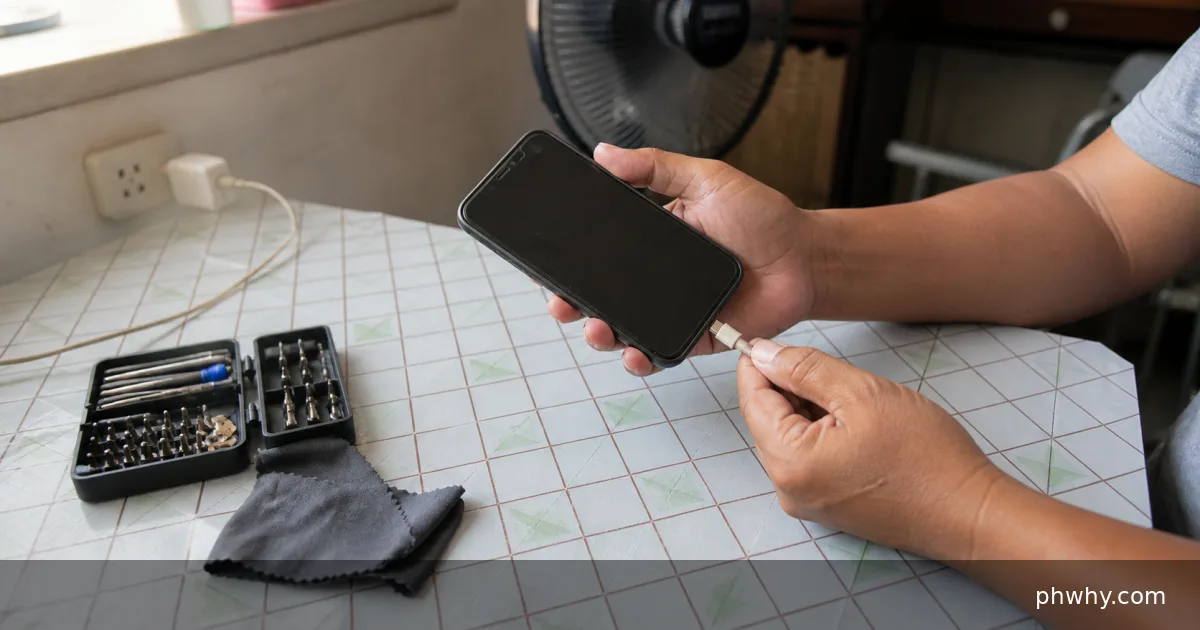
Quick answer: Stop if there is heat or damage, test a certified cable and wall adapter, and inspect the port under good light without inserting metal.
Repeated charging disconnects usually point to a loose cable, debris, moisture protection, a weak power source, or a damaged port. Start with the checks below and change one thing at a time. That preserves evidence and makes it easier to reverse a change that does not help.
Why this happens
The symptom usually comes from one of several layers: the device or app, its account settings, the local connection, or the service behind it. The most useful clues are when the problem began, whether it affects another device, and whether it follows one network or account.
- Pocket lint prevents the connector from seating fully.
- The cable or adapter fails when moved or under higher power.
- The iPhone detected liquid or the port has corrosion.
- A loose outlet, power bank, hub, or car USB port supplies unstable power.
Fix it in the safest order
- Unplug immediately if the phone, cable, or adapter is unusually hot, swollen, discolored, or smells burnt.
- Remove the case and check whether the plug seats fully without force.
- Try a known-good Apple or properly certified cable and wall adapter in a different outlet.
- Let a moisture warning clear naturally; keep the connector facing down in a dry ventilated place.
- Restart and update iOS, then arrange service if every known-good charger disconnects.
After each step, repeat the exact action that failed. Avoid changing several settings together; otherwise a temporary recovery can look like a permanent fix.
How to confirm the problem is fixed
The charging symbol should remain steady for at least 15 minutes with the phone resting and the cable untouched.
Common mistakes to avoid
- Do not insert pins, blades, or wet swabs into the port.
- Do not use heat, compressed air at close range, or rice to dry the phone.
- Do not keep bending a cable to make it work.
FAQ
Can wireless charging confirm that the port is faulty?
If wireless charging is stable while several known-good wired chargers fail, the port or its connection is more likely involved, but a technician should confirm it.
Will these steps erase my data?
The diagnostic steps do not require a factory reset. Back up important files and recovery codes before reinstalling an app, clearing app storage, resetting a router, or changing an account recovery method.
Related PHWhy guides
Browse the Mobile, iPhone & Android guides. You may also need Fix a phone that gets hot while charging or Set up Emergency SOS.