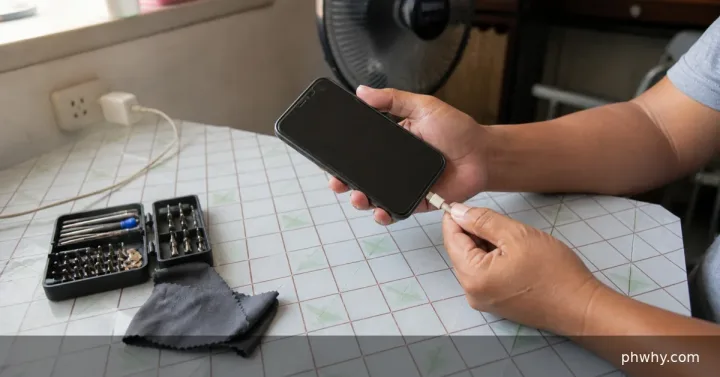
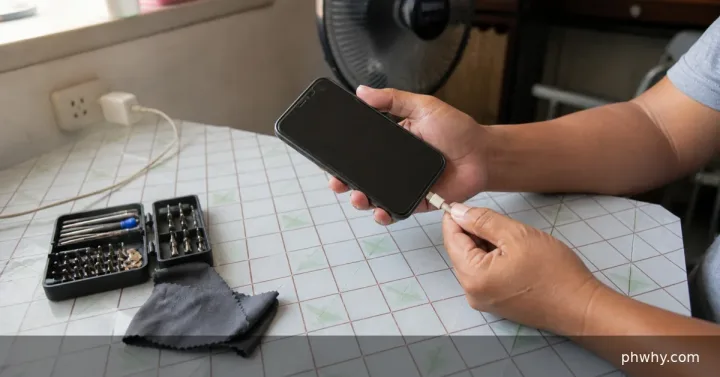
Some warmth is normal during fast charging, gaming, navigation or initial setup, but a phone that becomes painful to touch, swells or repeatedly stops charging needs attention.
Short answer: Stop heavy apps, remove insulating accessories, use a compatible charger on a hard surface and unplug immediately if there is swelling, odor or extreme heat.
Check the likely cause first
- Compare temperature while the phone is idle with temperature during gaming or video calls.
- Inspect the cable, plug and charging port for damage, debris or discoloration.
- Check whether heat began after a new charger, battery repair or software update.
Fix it in the safest order
- Pause gaming, camera use and hotspot activity, then let the phone cool naturally out of direct sunlight.
- Remove a thick case temporarily and charge on a dry, ventilated, nonflammable surface.
- Use the manufacturer-supplied or properly certified charger and cable with the correct power profile.
- Install pending system and app updates, then review battery-usage settings for an app running continuously.
Change one thing at a time and retest. That makes it easier to identify the cause and undo a setting if the result is worse.
How to confirm the fix
After cooling, the phone should charge at idle without a temperature warning, sudden battery drop or repeated disconnects.
What not to do
- Do not cool a phone in a refrigerator or with water; condensation can damage it.
- Do not continue charging a swollen battery or a cable with exposed conductors.
When to contact support
Power the device off and arrange professional service if the case separates, the battery swells, there is a chemical smell, or heat persists with a known-good charger while idle.
For more step-by-step help, browse the PHWhy topic hubs or use the site search for the exact error message.