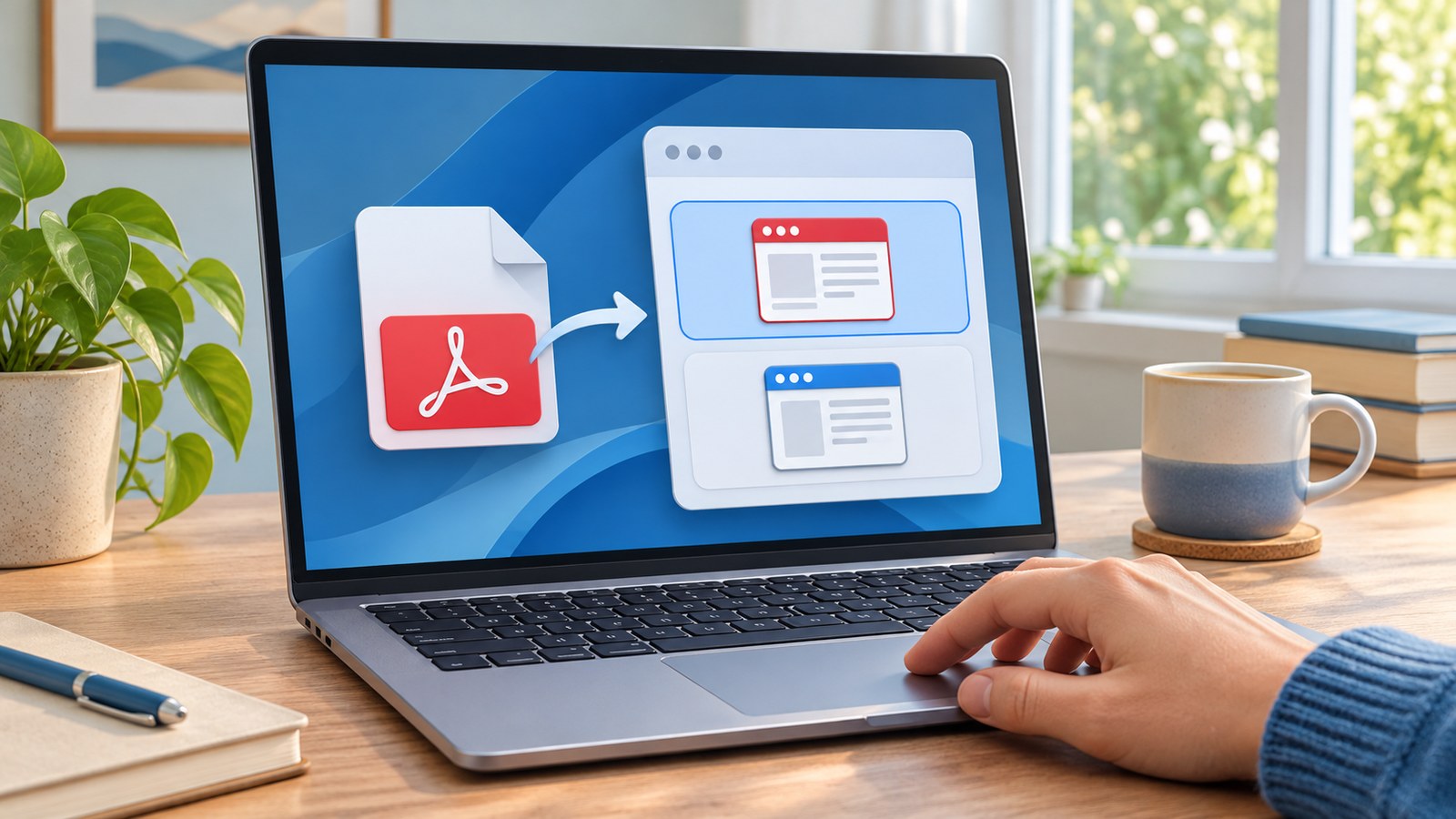
If a PDF opens in an app you did not choose, Windows may have a different default app for the .pdf file type. First make sure the file really is a PDF, then select the reader you want in Default apps. You do not need to reinstall Windows or remove the other app to make this change.
Confirm what is opening
- In File Explorer, find a PDF that you trust and have opened before. Check the ending of its filename. If extensions are hidden, turn on file name extensions in File Explorer’s View options before changing an association. A file named report.pdf.html is a web page, even if its icon resembles a document.
- Double-click the trusted file and note the app that opens. If only one file behaves oddly, test a second PDF before changing the system default. A damaged or mislabeled file is a different problem.
- Open Windows Settings, choose Apps, then Default apps. Search for .pdf in the file type box. Select the current app shown for .pdf and choose the installed PDF reader you actually want. Microsoft’s Default apps instructions cover changing associations by file type and by application.
- Close the PDF, then double-click it again in File Explorer. Test another local PDF as well. This confirms that the file association changed rather than only one open window.
If it still opens somewhere else
Check whether you are opening a saved file or clicking a PDF link inside a browser, email app, or cloud drive. That app may preview a document inside its own window. Save a copy to a folder you control and test that local copy before changing more settings. If the reader you want does not appear in Default apps, confirm that it is installed from its official source and can open a PDF directly. Avoid downloading a random ‘PDF fixer’ or changing every file type at once.
If the right app launches but the document itself stays empty, the problem may be rendering rather than the default app. Try the steps in our guide to a blank PDF in a browser. Keep a note of the affected file, app name, and Windows version if you need to ask the app developer for help.