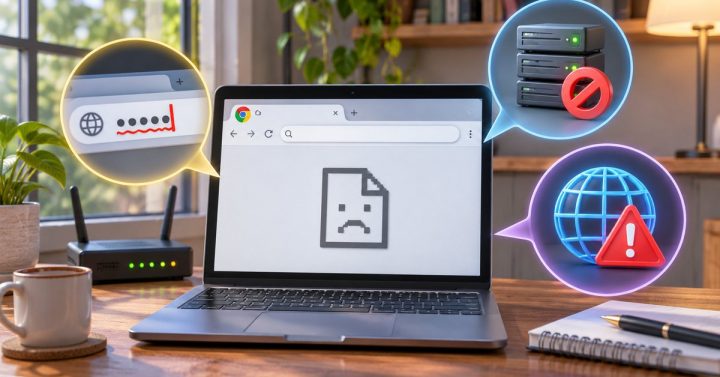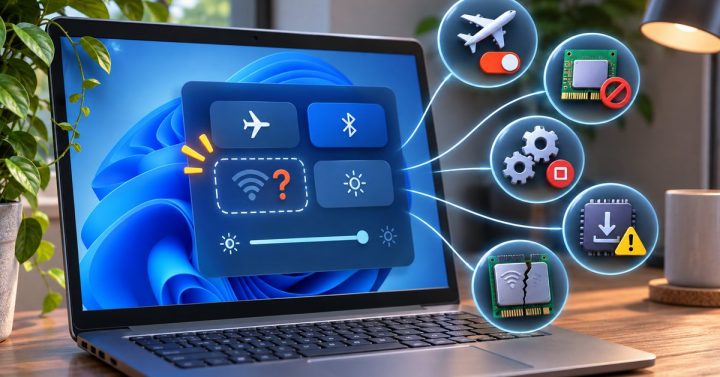
Windows can say it is connected to Wi-Fi while the browser still cannot reach the internet. The Wi-Fi connection only confirms that the laptop can talk to the router; it does not prove the router has a working connection beyond your home. A sign-in page on public Wi-Fi, a temporary router fault, incorrect network settings, or a VPN can produce the same symptom. Work through the checks below before resetting anything.
Find out where the connection stops
- Try two different websites and another app. If only one website fails, the problem may be with that site. If every app fails, continue with the network checks.
- Test a second device on the same Wi-Fi. If that device also has no internet, check the router’s internet or WAN light and your provider’s status page using mobile data. Restart the router only when you can safely interrupt everyone using it.
- Check for a sign-in page. Hotel, airport, and café networks may connect to Wi-Fi before they grant internet access. Open a normal browser window and complete the network’s own sign-in page if one appears. Do not enter your account password into an unfamiliar page.
- Reconnect the laptop. Turn Wi-Fi off and on, then reconnect to the correct network. If you know the Wi-Fi password, you can forget that network in Windows settings and join it again. This removes the saved connection settings for that network.
- Check the laptop’s address and settings. In Settings, confirm Airplane mode is off. If a VPN or manual proxy is enabled, temporarily disconnect it only if your work or school policy permits. Look at the network details: an address beginning with 169.254 can mean the laptop did not receive a usable address from the router.
Use the built-in troubleshooter before a reset
On Windows 11, open the Network and Internet troubleshooter through Get Help. Microsoft’s Wi-Fi troubleshooting guide also explains how to check DNS and renew an address. Try those targeted steps first. Network reset is a last resort because it removes network adapters and saved configuration, and you may need to set up a VPN again afterward.
If the laptop reconnects but browsing still fails, compare a few sites rather than assuming all of Wi-Fi is broken. Our related guide on a website address that Chrome cannot find helps narrow down name-resolution problems. If every device fails on the same network after the router restarts, contact the internet provider with the time of the outage and the router light status.