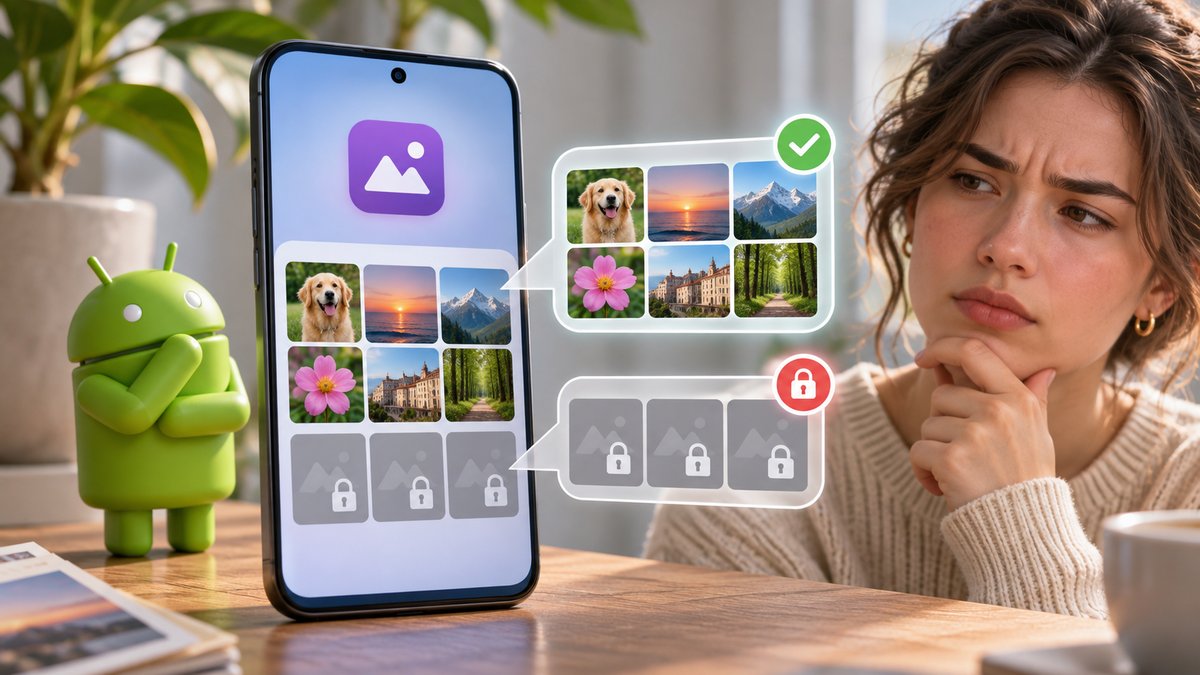
An Android app that shows only a few of your photos may have been given access to selected images rather than your whole library. It may also be using the system Photo Picker, which shares only the photos you choose. Before moving files or clearing app data, find out which selection screen the app uses.
Check the selection you made
- Open the app’s upload or attach action again. If Android’s Photo Picker appears, browse its available photos and choose the missing item there. The app gets access to your selection, not automatically to every image on the phone.
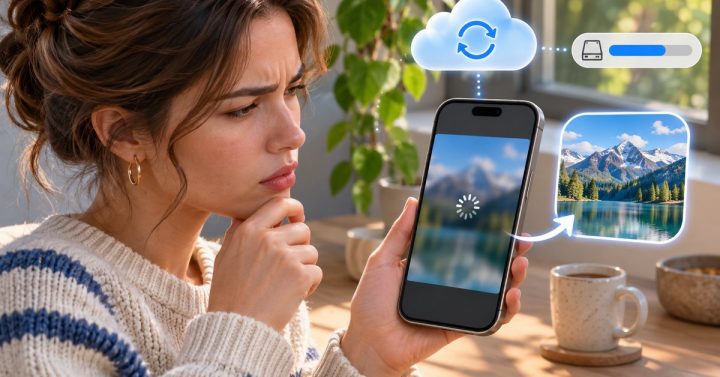
- Look for a cloud-only photo. A thumbnail visible in a cloud gallery may need to finish downloading or syncing before another app can use the full file. Open that photo in its gallery app and confirm it loads.
- Review the app permission. In Settings → Apps → the app → Permissions, inspect Photos and videos if that option exists on your Android version. If access is limited, change the selection or reselect the needed pictures. Names and options vary by phone maker and Android release.
- Try one known local photo. Take a new picture, then attach it. If the new photo works while older ones do not, check where the older files live and whether they are downloaded, hidden or in a different account.
Google’s Photo Picker guide says the picker shares the media you select. That limited access is a privacy feature, not necessarily an app fault.
What not to do first
Do not grant all-photo access just to troubleshoot a single missing image when selecting that file is enough. Avoid clearing the app’s storage until you know whether it holds drafts or local edits. If the photos themselves have not synced, follow our cloud photo sync checks before changing app permissions.
Common question
Why does my gallery show a photo that the app cannot? The gallery may show cloud thumbnails, a private folder or media outside the app’s current selection. Download or explicitly select the file, then retry.