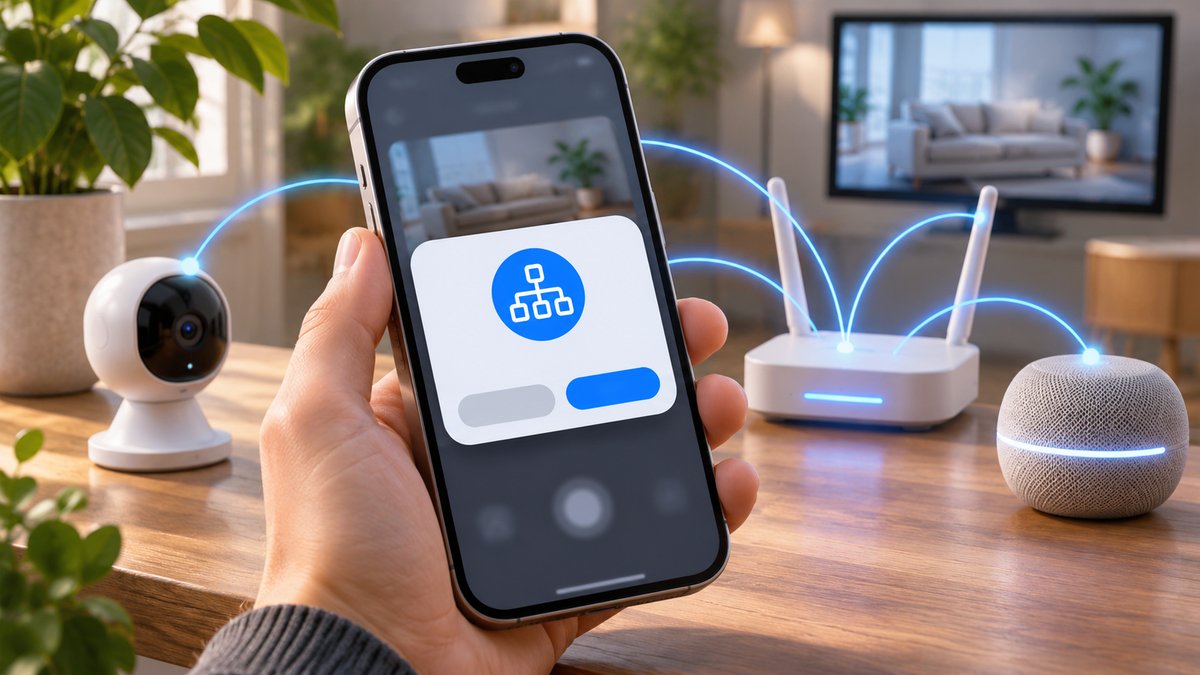
When an iPhone app asks for Local Network access, it wants to discover or communicate with devices on the same Wi-Fi network. That can be reasonable for a casting app, smart-home controller, printer app or local multiplayer game. The prompt does not mean the app needs your mobile data connection, and you do not have to approve it simply to use the internet.
Decide whether the request matches the app
- Think about the action you just started. If you tapped “find TV,” “connect printer” or “join nearby game,” the request has an obvious purpose. If the app has no local-device feature, read its explanation and privacy policy before allowing access.
- Choose the least access needed. Tap Don’t Allow if you only need the app’s online features. Try the feature again. If the device-discovery feature then fails, you can grant access later.
- Review the setting. Open Settings → Privacy & Security → Local Network and find the app. Turn its access on or off. Reopen the app and retry discovery after a change.
- Check the actual connection. If a TV or printer still does not appear, confirm both devices are on the same local network and that guest-network isolation or a VPN is not blocking discovery. Do not reset your entire phone just because one app cannot see one device.
Apple explains the prompt and the setting in its Local Network privacy guide. The permission can reveal information about nearby devices, so it is sensible to grant it only where the feature needs it.
What if I tapped Don’t Allow by mistake?
Go back to Local Network in Settings and enable the app. If it is not listed, first open the app and try the feature that searches for nearby devices; the app usually appears after it has requested access. If the app uses a built-in system feature such as AirPrint or AirPlay, its behavior may differ from a custom discovery feature.
Related questions
Will denying this stop normal internet access? Usually no. Test the online feature you need; Local Network access is about nearby devices. Is this the same as Bluetooth? No. Bluetooth has a separate permission. If connection problems remain, see our guide to resetting network settings on iPhone or Android, but use that broader reset only after simpler checks.