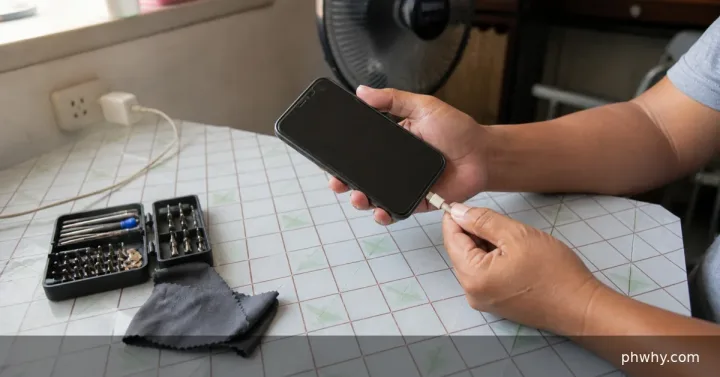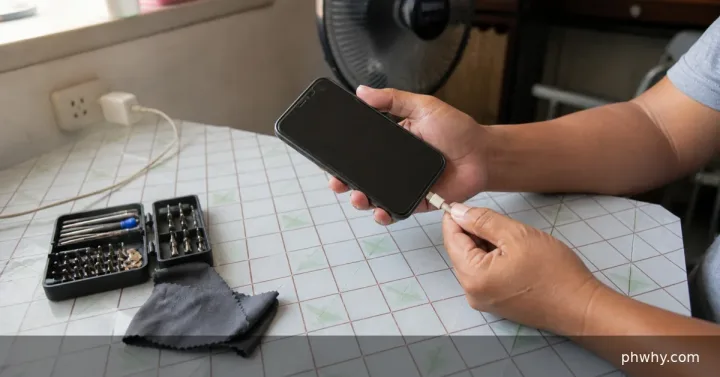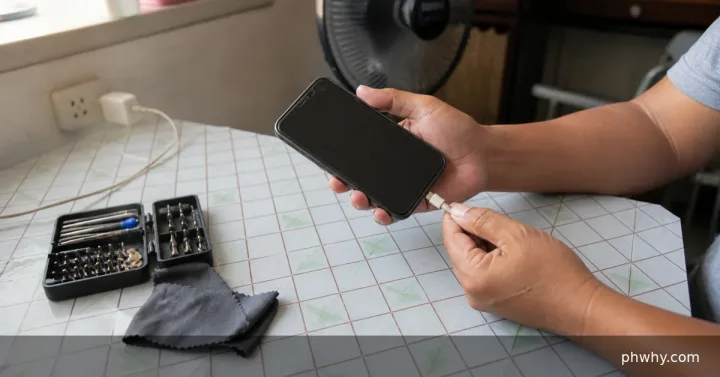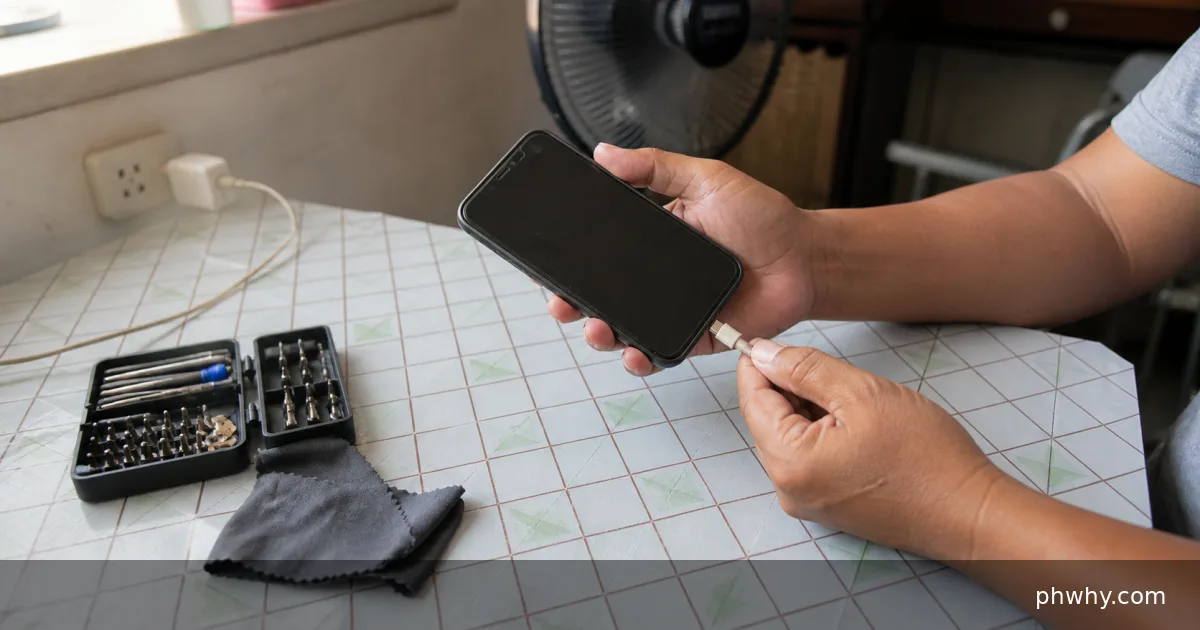
Quick answer: Back up the phone, check battery-health information, update the system, and seek service if shutdowns repeat or the battery swells.
A sudden percentage collapse can mean an aged battery, inaccurate charge estimation, extreme temperature, a failing cell, or a heavy load causing voltage to fall. Start with the checks below and change one thing at a time. That preserves evidence and makes it easier to reverse a change that does not help.
Why this happens
The symptom usually comes from one of several layers: the device or app, its account settings, the local connection, or the service behind it. The most useful clues are when the problem began, whether it affects another device, and whether it follows one network or account.
- Battery chemistry has aged and cannot hold voltage under load.
- The percentage estimate is temporarily inaccurate after an update or long storage.
- Cold or excessive heat reduces available battery power.
- A camera, game, hotspot, or weak signal creates a sudden high load.
Fix it in the safest order
- Back up important data while the phone is stable.
- Check built-in battery health, cycle, or diagnostic information where available.
- Update the operating system and restart, then observe the drop during light use.
- Charge with a known-good compatible adapter and avoid extreme temperatures.
- Arrange authorized battery service if health is poor or shutdowns continue above 10 percent.
After each step, repeat the exact action that failed. Avoid changing several settings together; otherwise a temporary recovery can look like a permanent fix.
How to confirm the problem is fixed
The phone should discharge gradually during two normal-use cycles without shutting down at a high indicated percentage.
Common mistakes to avoid
- Do not repeatedly drain a lithium battery to zero as a routine.
- Do not press or puncture a swollen battery.
- Do not rely on battery-calibration apps that promise to repair worn chemistry.
FAQ
Can replacing the charger fix sudden discharge?
A charger can affect charging, but sudden unplugged shutdowns usually point to the battery, temperature, or power management rather than the charger alone.
Will these steps erase my data?
The diagnostic steps do not require a factory reset. Back up important files and recovery codes before reinstalling an app, clearing app storage, resetting a router, or changing an account recovery method.
Related PHWhy guides
Browse the Mobile, iPhone & Android guides. You may also need Fix a phone that gets hot while charging or Set up Emergency SOS.