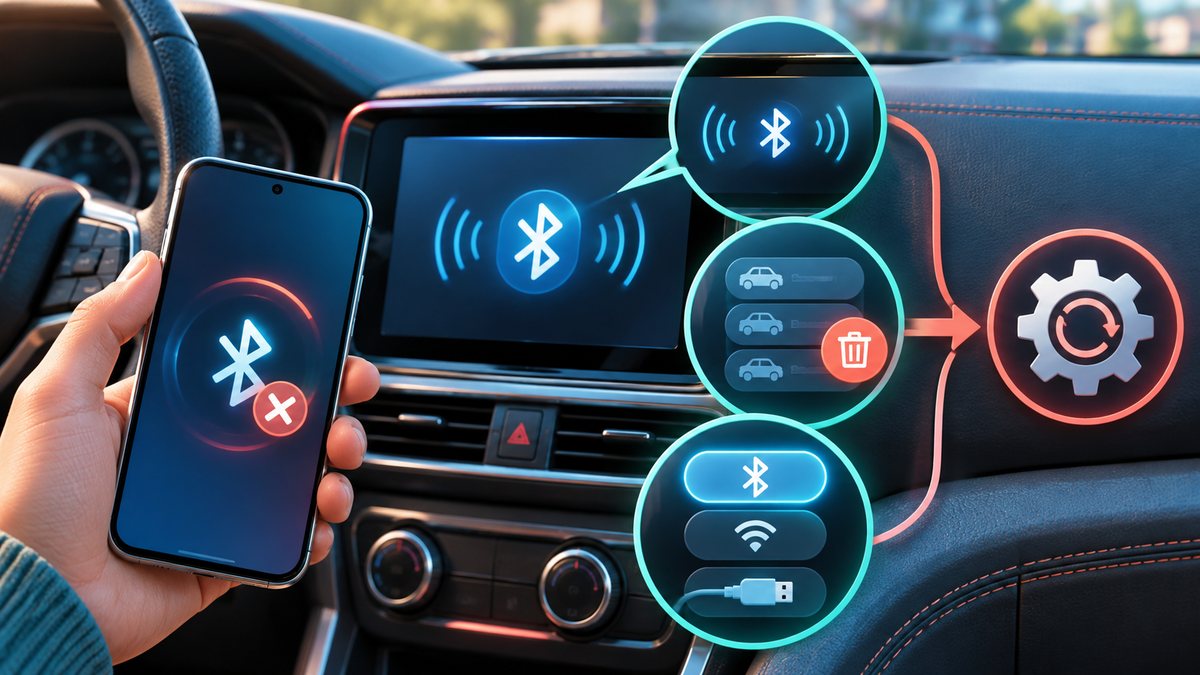
A phone may see the car in its Bluetooth list yet never finish pairing. First check whether the vehicle expects ordinary Bluetooth audio, wired phone projection or wireless CarPlay/Android Auto. These are related but not identical connection paths, and the exact menus vary by car model.
Start on the car screen
Park safely, turn on the vehicle’s pairing mode using its manual and keep the phone unlocked nearby. Some car systems stop searching after a short period or reach a saved-device limit. Remove an unused old phone from the car’s list before attempting a new pairing.
- Turn Bluetooth off and on again on the phone, then restart the phone if needed.
- Confirm the same pairing code appears on both screens before accepting.
- If an old pairing exists, forget it on the phone and delete the matching entry on the car, then try once more.
- For a wired connection, test a data-capable cable and the USB port specified in the car manual.
Apple’s car-connection guidance recommends checking the car manual, software updates and the stereo firmware. If several phones have been paired, giving the phone a distinct name can help you choose the correct entry. Avoid a full network-settings reset until the simple checks fail, because that reset may also remove saved Wi-Fi and other connections.
If calls connect but music does not, inspect the car’s selected audio source and the phone’s media-output setting. If only one app fails, test ordinary system audio before blaming Bluetooth.
For iPhone-specific steps, see Apple Support: Connect your phone to your car. Follow your vehicle maker’s manual for the exact button sequence.