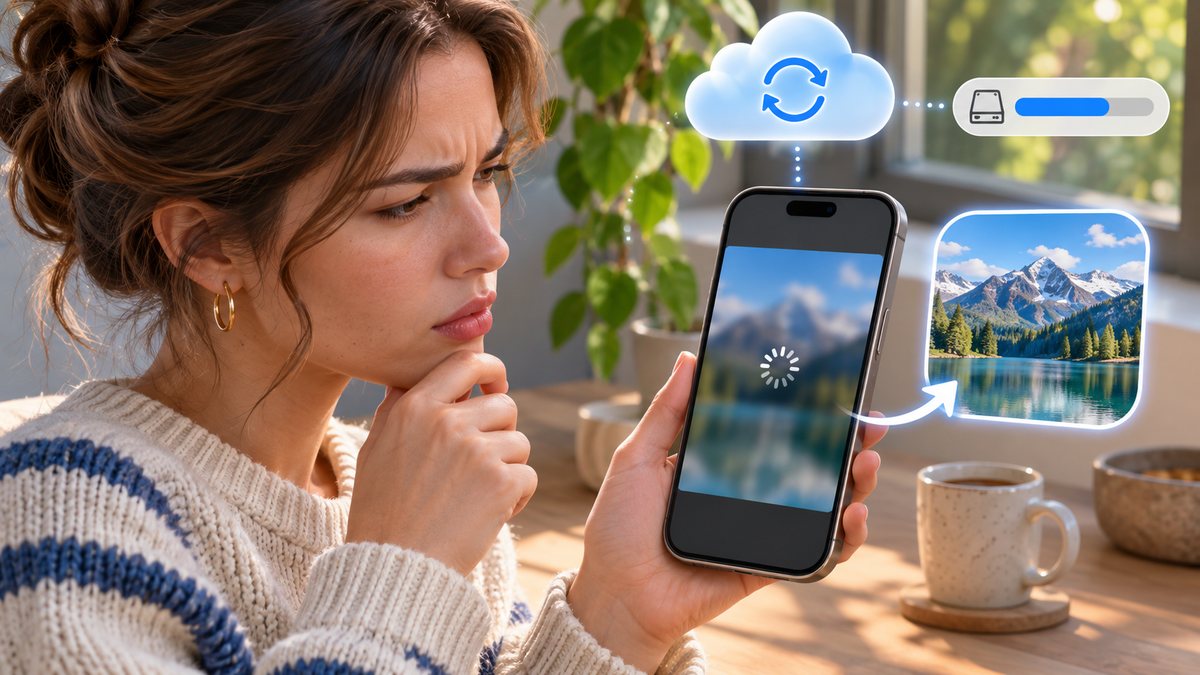
If an older iPhone photo looks soft for a moment and then sharpens, the phone may be showing a smaller local version while it retrieves the full-resolution original from iCloud. A slow connection or paused sync can make that wait longer. A blurry preview is not proof that the original has been lost.
Check the original safely
- Open the photo in the Photos app while connected to a stable Wi-Fi network, then give it time to load.
- Check iCloud Photos in Settings under your Apple Account. Make sure this is the account that holds the library.
- Look at available device storage before asking the phone to download many originals.
- If you need a copy for editing or printing, export or download the full-resolution version rather than relying on a screenshot of the preview.
Apple says Optimize iPhone Storage keeps storage-saving versions on the phone while originals remain in iCloud. The setting to download and keep originals is available in the same Photos section, but using it for a large library requires enough space.
Do not delete a photo from the synced library to “force” a better copy: deletion can synchronize across devices. If the full image never loads, check the connection and iCloud storage status first, then consult Apple support with the affected photo’s date and device details.