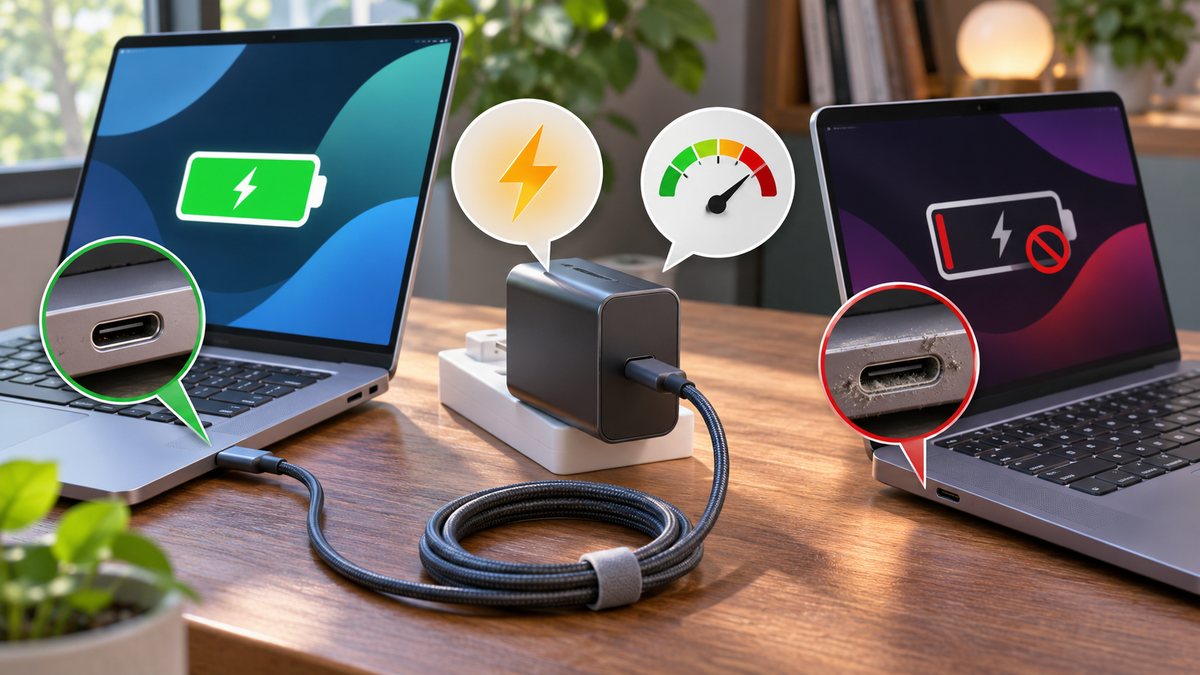
A USB-C plug fitting both laptops does not mean both laptops can charge from the same power adapter. One laptop may need more power, a different USB Power Delivery (USB PD) profile, or a specific charging port. A cable can also limit what reaches the computer. Compare the equipment before assuming either laptop is broken.
Check the charging path in order
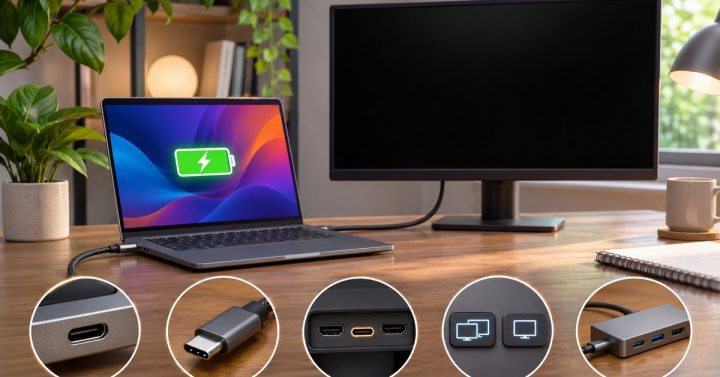
- Confirm the port accepts charging. Look for a charging symbol or the manufacturer’s specifications for that exact laptop model. Some USB-C ports transfer data or video but do not accept power.
- Read the required adapter rating. Check the label on the original adapter or the maker’s support page. Compare its wattage with the USB-C charger’s output for a single port. A multiport charger may share its total power when another device is connected.
- Check USB PD support and the cable. Use a reputable USB-C cable rated for the power the laptop requires. A cable that works for a phone or data transfer may not be suitable for a higher-power laptop.
- Test under light load. Shut down the laptop or let it sleep, connect the charger directly without a dock, and wait a few minutes. If the battery rises only while idle, the charger may provide too little power for use under load.
- Isolate the accessory. Test the original adapter and cable, then change one part at a time. A dock, power bank or loose connector can be the limiting component.
USB-IF explains that USB Power Delivery lets devices negotiate different power levels over USB-C. The label on a charger is a maximum capability, not a promise that every laptop will accept it. See the USB-IF USB Power Delivery overview.
What the result tells you
If the laptop charges with its original adapter but not with a smaller USB-C brick, use an adapter that meets the laptop maker’s requirement. If neither adapter works in the charging port, inspect it for debris or damage without inserting metal objects, and contact official support. If charging works directly but fails through a monitor or dock, check that accessory’s power output and cable. Our guide to a USB-C monitor that charges a laptop but shows no picture helps separate the power and display paths.
Common questions
Can a higher-wattage USB PD charger damage the laptop? With compatible, reputable USB PD equipment, the laptop requests the power it can use. Still follow the laptop maker’s adapter guidance and avoid damaged or counterfeit accessories.
Why does Windows say “slow charger”? The charger, cable or dock may supply less power than the laptop needs. Compare the single-port rating and test with the original equipment.