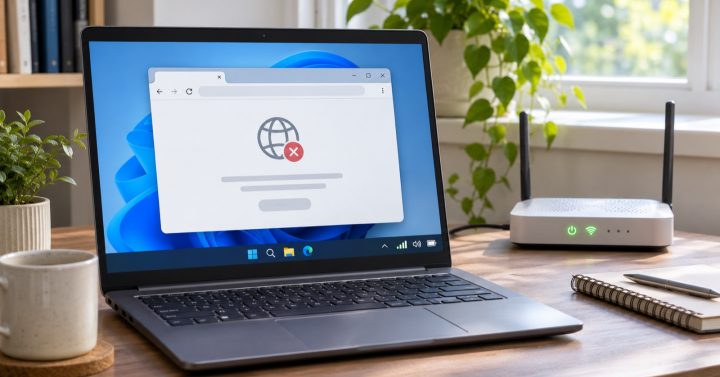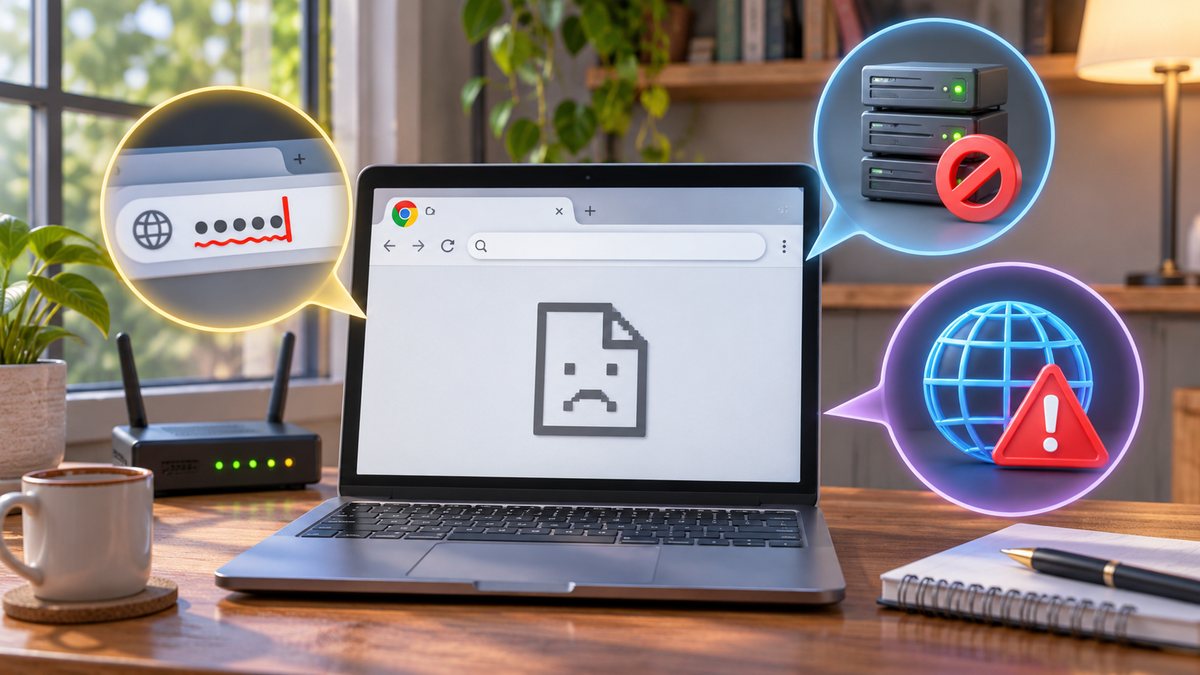
An address or name-resolution error in Chrome does not automatically mean your whole internet connection is down. The address may be mistyped, the website may have changed, or the device may be unable to resolve its name. Start by checking whether the problem affects one site or many.
Check in a useful order
- Read the address carefully, especially similar-looking letters, hyphens and the ending after the final dot. Use a trusted bookmark or the organization’s official app when available.
- Try another familiar website on the same connection. If nothing opens, check Wi-Fi or mobile data and the router before changing browser settings.
- Try the affected site on a different trusted connection. If it works there, investigate your local network or DNS settings.
- Restart Chrome and temporarily disable a recently added extension for a controlled test. Restore it if it is unrelated.
Google’s Chrome error guide describes name-not-resolved errors; its connection checklist begins with the URL and network. Do not disable security software permanently just to reach one address.
If only a business site fails, its owner may need to check DNS or a recent domain change. Avoid typing passwords into a lookalike site found through a random search result while the official address is unavailable.