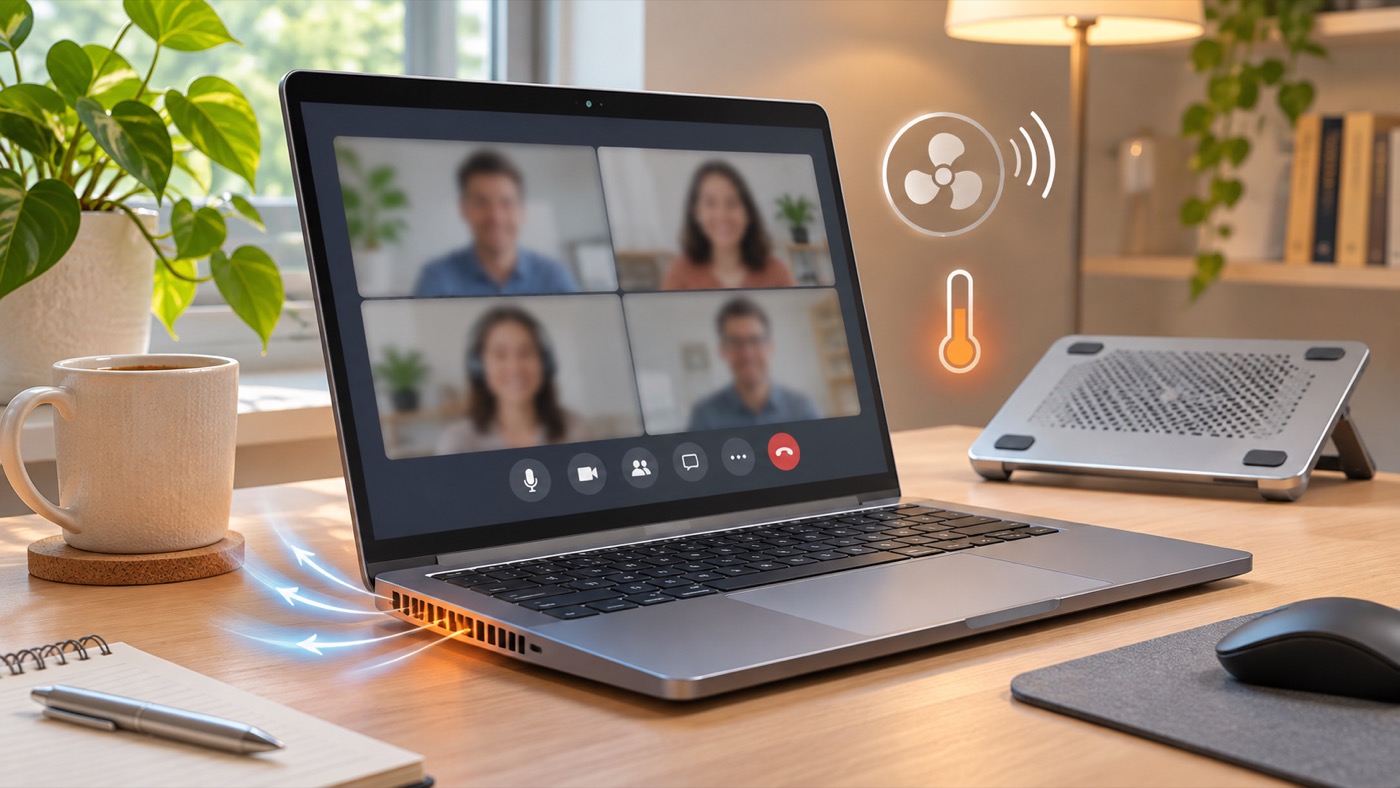
A laptop fan can get loud during a video call because the camera, microphone, video decoding, background effects, and several open apps ask the processor to work at once. The fan moves more air to remove heat. A short burst of rushing air is often normal; the useful question is whether the noise settles when the call ends and the laptop has clear ventilation.
Check the easy causes first
- Put the laptop on a hard, flat surface. Move it off a blanket or cushion and leave the vents open. Apple specifically advises a stable, ventilated surface and explains that blocked vents can increase fan activity in its fan-noise guidance.
- Close work you do not need for the call. Pause a large download, export, game, or pile of browser tabs. Wait a few minutes and listen again. This makes it easier to separate normal call load from an unrelated task.
- Compare one setting at a time. Turn off a virtual background or visual enhancement, then observe. If the fan quiets down, the effect may be adding processing work. Keep the setting that gives you a usable picture without unnecessary heat.
- Check activity. On Windows, open Task Manager and sort Processes by CPU. On a Mac, open Activity Monitor and inspect CPU. Look for a process that stays busy after the meeting closes. Do not end a process you cannot identify; save your work and restart the app normally.
When the sound needs attention
If the laptop stays unusually loud while idle, becomes too hot to use comfortably, shuts down, or makes grinding or rattling sounds, stop the call and let it cool on a clear surface. Check the maker’s support guidance for your model before cleaning vents or changing power settings. Microsoft notes that fan behavior on Surface devices can vary with load and offers model-specific advice in its Surface fan guide; other Windows laptops may use different controls.
Try one short call in another trusted meeting app or browser. If only one app causes the problem, update that app through its official channel and review its video effects. If the camera itself fails in one app, see our related guide on a webcam working in one app but not another. Keep a note of the model, the app, and whether the fan remained loud after closing the call. That record is more useful to support than a claim that the fan is simply “too loud.”