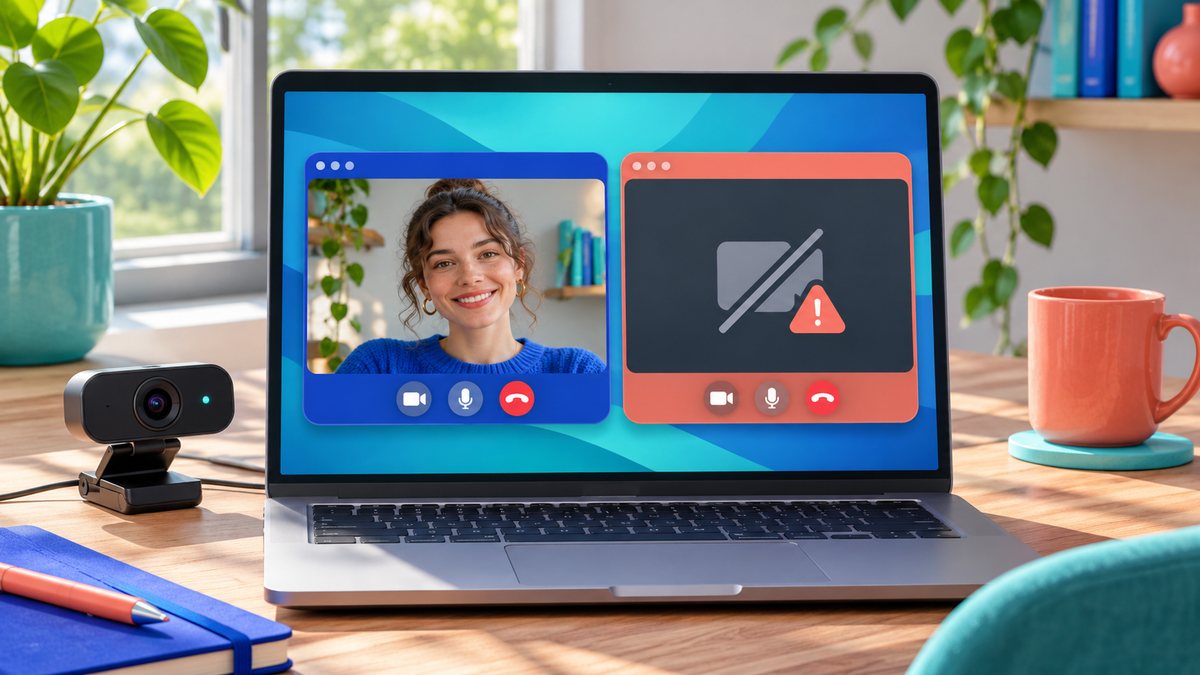
If your webcam works in one application but shows a black preview or “camera unavailable” in another, the camera hardware is probably working. The failing app may be using the wrong camera, lack permission, or be competing with another program for access. Start with the app-specific checks before changing a driver that already works elsewhere.
Find out where the failure begins
- Test the camera in a built-in app. Open the operating system’s Camera app or a trusted video app. If it works there, note the exact camera name shown in that app.
- Select the same camera in the failing app. A laptop may expose an internal webcam, USB webcam and virtual camera. A saved choice can point to a device that is unplugged or disabled. Close and reopen the preview after changing it.
- Close other camera users. Quit meeting apps, browser tabs, recording tools and virtual-camera software, then try again. A background call can hold the camera even when its window is hidden.
- Check permission at both levels. On Windows, review Camera access, app access, and desktop-app access in Privacy & security settings. In a browser, check the site’s camera permission as well as the operating system permission. On a Mac, review Camera access under Privacy & Security for the affected app.
- Restart the app and test once more. Some apps read device permissions only when they launch. If only one app still fails, update that app from its official source and review its support page.
Microsoft distinguishes Store-app permission from desktop-app camera access in its Windows camera permission guide. It also notes that another app using the camera can affect a specific app. Those checks are more informative than immediately deleting a driver.
What the result means
If every app fails, inspect the privacy shutter, USB connection and device recognition; our guide to a laptop webcam that is not detected covers that broader case. If only a website fails, test the site permission in a fresh browser tab. If only one desktop app fails after permission and device selection are correct, its own settings or installation are the likely next place to look.
Common questions
Should I reinstall the webcam driver? Usually not when another app can use the same webcam. Revisit drivers only if the camera also disappears from the operating system or fails across apps.
Why does the preview turn black when I join a call? The call may switch to a different camera, or another program may still have the device open. Check the in-call device selector and close competing apps.