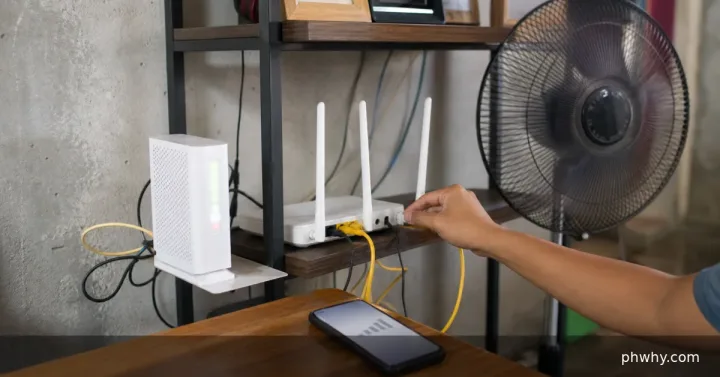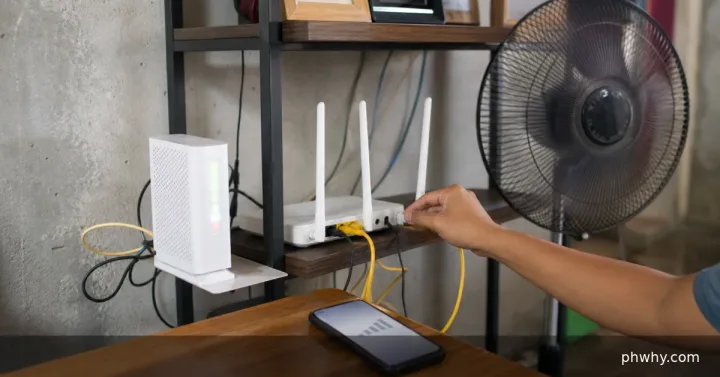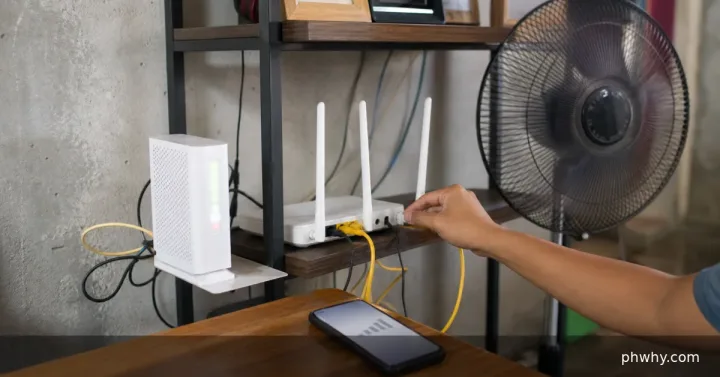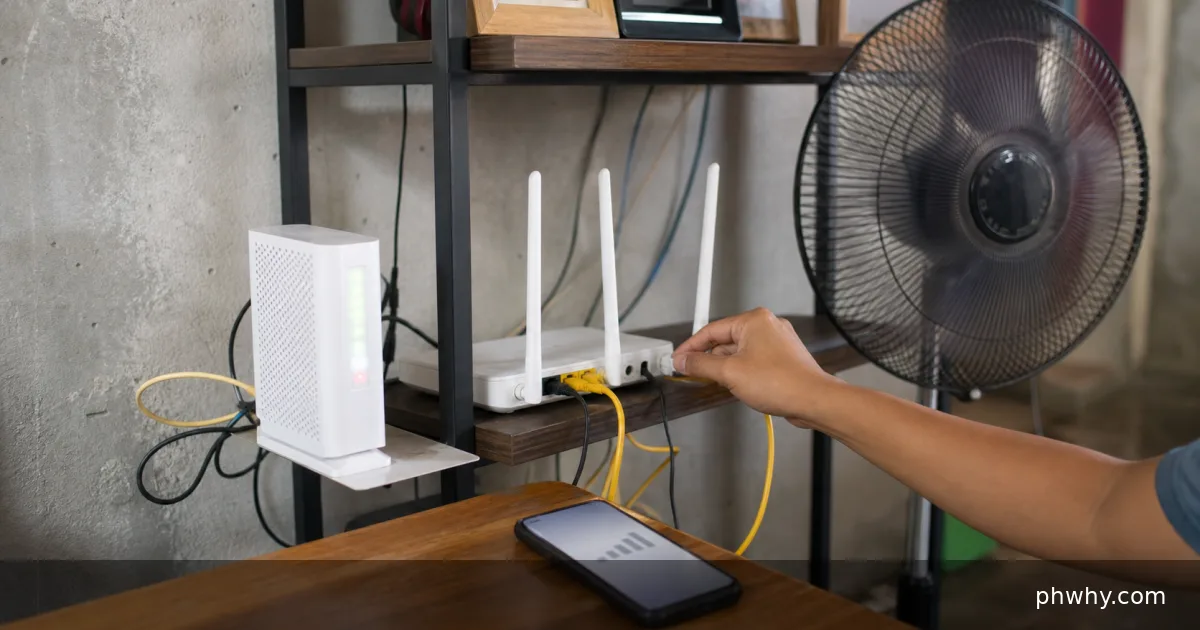
Short answer: A red Internet, LOS, or optical light can indicate different faults. On fiber equipment, LOS commonly points to a lost optical signal; on other routers it may mean failed authentication or no upstream connection.
This guide uses low-risk checks first, keeps account and personal data protected, and helps you identify whether the problem belongs to the device, app, network, or service.
What usually causes this problem
Check the cable and service status, restart the modem once, and record which exact light is red before contacting the provider. Common causes include:
- Fiber or WAN cable is loose or damaged.
- The provider has an outage.
- The account or modem is not authenticated.
- The optical line has excessive signal loss.
Change one thing at a time. If several settings are changed together, it becomes difficult to know which step actually solved the problem or created a new one.
Fix it in the safest order
- Read the label beside the red light. Complete the check, then test the original symptom before moving to the next step.
- Check the provider outage channel. Complete the check, then test the original symptom before moving to the next step.
- Seat accessible cables without bending fiber. Complete the check, then test the original symptom before moving to the next step.
- Power off the modem for one minute. Complete the check, then test the original symptom before moving to the next step.
- Wait for lights to stabilise. Complete the check, then test the original symptom before moving to the next step.
- Photograph the light pattern for support. Complete the check, then test the original symptom before moving to the next step.
Protect your data while troubleshooting
Do not stare into a fiber connector, bend the thin cable sharply, or press the hidden reset button. Back up irreplaceable files before clearing storage, resetting settings, removing an account, reinstalling an app, or formatting a drive. Use official apps and support pages rather than download links sent through pop-ups, comments, or unexpected messages.
For users in the Philippines, also check whether the issue changes between home Wi-Fi and mobile data. Prepaid balance, carrier maintenance, local power interruptions, and ISP outages can resemble a device problem. Avoid repeated resets when the service itself is unavailable.
How to confirm the fix
The normal service lights become steady and multiple devices regain internet access. Repeat the test after one normal restart. A workaround that succeeds once but fails immediately after reboot is not a complete fix.
When to get official help
Report a persistent red LOS or optical light to the ISP because line testing requires provider equipment. Before contacting support, note the device model, operating-system version, app version, exact error text, time of failure, and the steps already tested. Never send a password, one-time code, recovery phrase, or full payment-card number.