Quick answer: Measure in both locations, move the router into the open, compare 2.4 and 5 GHz, and add a wired access point or mesh node only after mapping the weak area.
Walls, distance, interference, and the selected Wi-Fi band can weaken the link long before the internet plan becomes the limit. Start with the checks below and change one thing at a time. That preserves evidence and makes it easier to reverse a change that does not help.
Why this happens
The symptom usually comes from one of several layers: the device or app, its account settings, the local connection, or the service behind it. The most useful clues are when the problem began, whether it affects another device, and whether it follows one network or account.
- Concrete walls, metal, mirrors, and appliances attenuate the signal.
- 5 GHz or 6 GHz is fast nearby but has shorter practical range.
- A neighboring network uses the same busy channel.
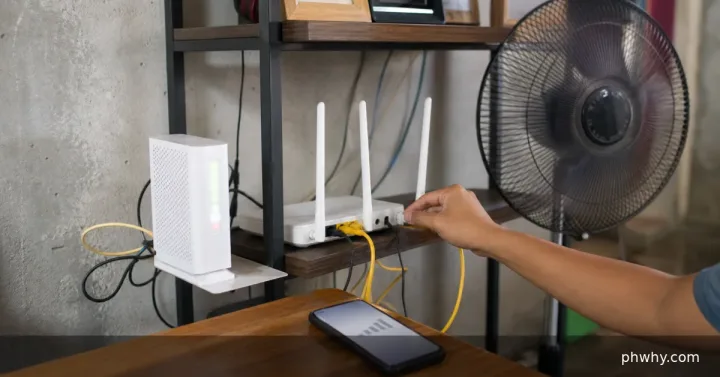
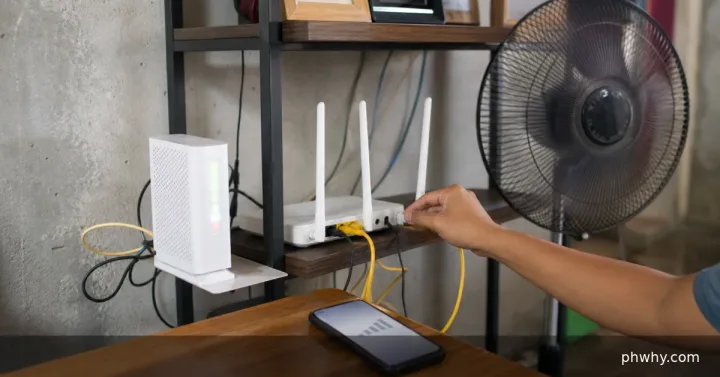
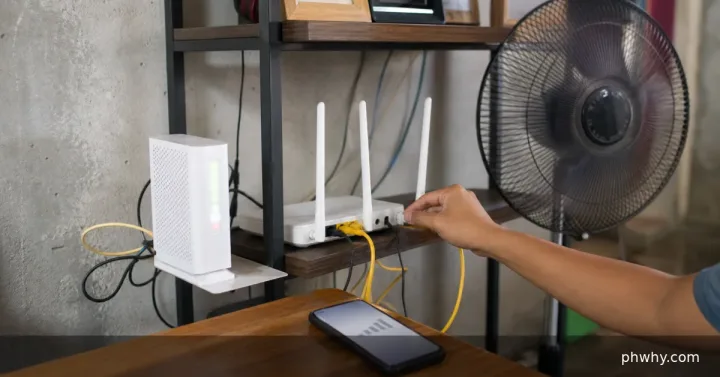
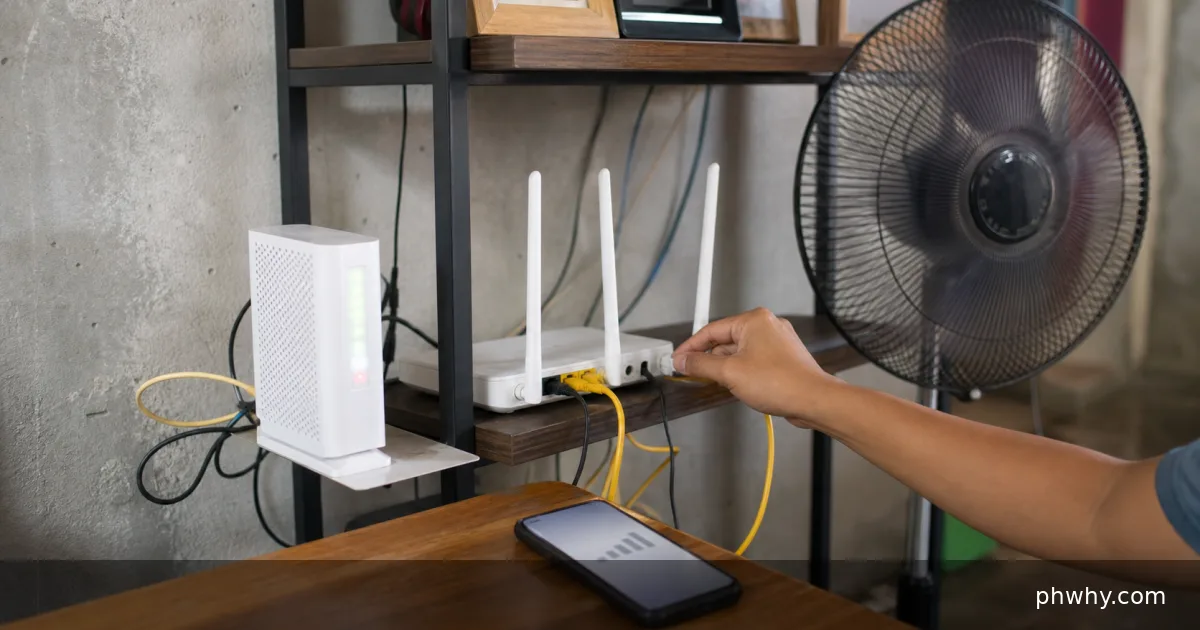
- The router is low, enclosed, or placed at one edge of the home.
Fix it in the safest order
- Run the same speed and latency test near the router and in the room.
- Place the router high, central, and open, away from metal and a microwave.
- Compare the named 2.4 GHz and 5 GHz bands if the router exposes them.
- Update router firmware and use automatic or measured channel selection.
- For a persistent dead zone, prefer Ethernet to an access point; place a mesh node where signal is still good, not inside the dead zone.
After each step, repeat the exact action that failed. Avoid changing several settings together; otherwise a temporary recovery can look like a permanent fix.
How to confirm the problem is fixed
Video calls and three repeated tests in the room should show stable latency and similar results, not only one high speed.
Common mistakes to avoid
- Do not hide a router inside a cabinet.
- Do not buy an extender before measuring where the signal drops.
- Do not assume more antennas fix a poor location.
FAQ
Why can full Wi-Fi bars still feel slow?
Bars show the local radio link, not ISP congestion, packet loss, router load, or the remote service. Measure latency and loss as well as download speed.
Will these steps erase my data?
The diagnostic steps do not require a factory reset. Back up important files and recovery codes before reinstalling an app, clearing app storage, resetting a router, or changing an account recovery method.
Related PHWhy guides
Browse the Internet & Wi-Fi guides. You may also need Test Wi-Fi packet loss or Fix a DNS error.