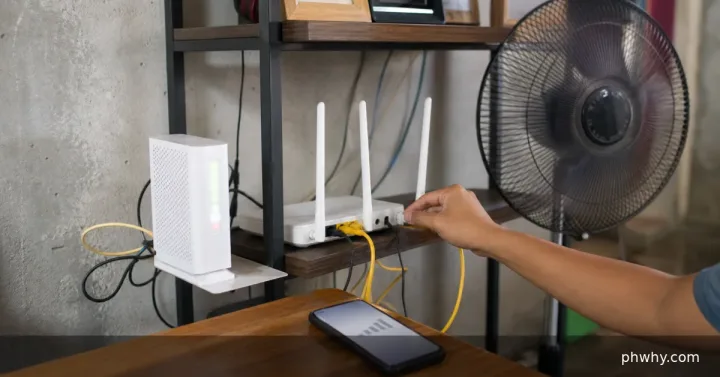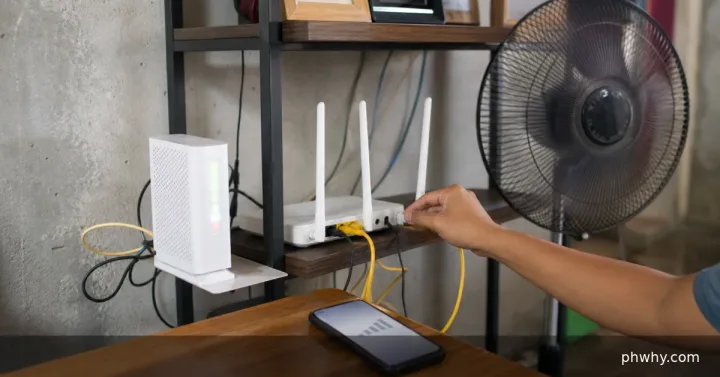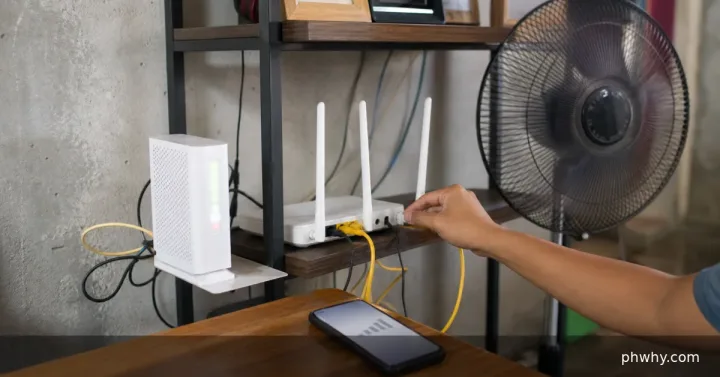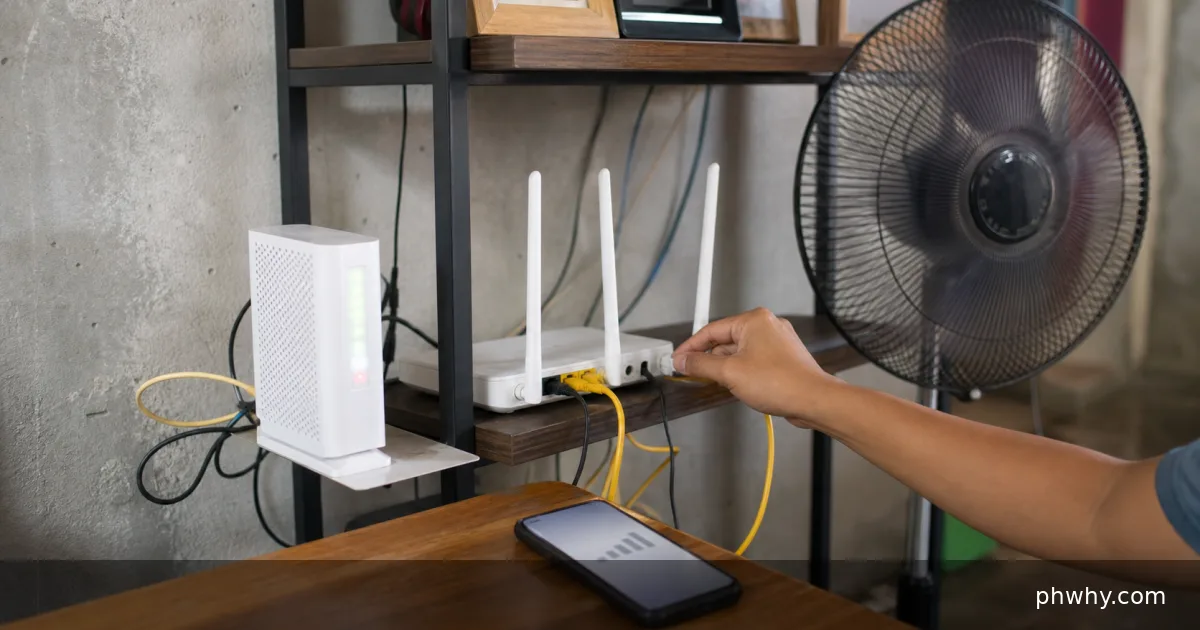
A blinking or steady red LOS light usually means the fibre modem is not receiving an optical signal. Check only the visible, safe connections, restart the modem once using PLDT’s recommended sequence, then report the fault if LOS remains red. Do not bend, pull or stare into a fibre connector.
LOS means Loss of Signal. Wi-Fi may still appear on your phone because the router is broadcasting locally even when the fibre link to PLDT is down.
Safe checks in order
- Check whether the issue affects every device. Try one website on two devices. If all devices fail and LOS is red, the problem is not an individual phone setting.
- Look for an area advisory. Check PLDT’s official channels and your account messages.
- Inspect without unplugging. Confirm the modem has power and that the thin fibre patch cord is not visibly loose, sharply bent, pinched by furniture or damaged.
- Restart once. PLDT’s published fibre guidance says to turn the modem off for five minutes, turn it back on and allow it to re-sync.
- Record the lights. Take a photo of Power, PON, LOS, Internet and WLAN indicators for the support report. Hide serial numbers and Wi-Fi passwords.
What the lights tell you
- LOS red: the modem is not receiving the expected optical signal.
- PON off or blinking: the fibre link has not registered normally.
- PON steady green and LOS off: the optical link is more likely to be healthy; test the Internet light and account status next.
“Bakit pula ang LOS ng PLDT?” means “Why is the PLDT LOS light red?” Common causes include an area outage, a damaged drop cable, a loose patch cord or upstream fibre work. A factory reset usually does not repair loss of optical signal and may erase settings that support needs.
When to report the fault
Report it when LOS stays red after one safe restart, the cable appears damaged, neighbours on the same provider are also offline or service does not return after an advisory ends. Give PLDT the account holder’s details privately, the time the fault began, the light status and the checks completed.
Use the official PLDT Home fibre troubleshooting page for the current flow and support route.
While waiting for service
Use a personal mobile hotspot only if your data allowance and signal are suitable. Pause cloud backups, operating-system downloads and automatic video playback to conserve data. Avoid logging in to the modem with credentials copied from unofficial videos.
Official source checked: PLDT Home’s fibre troubleshooting guidance. Modem models and light patterns vary, so follow the label and provider instructions for your unit.