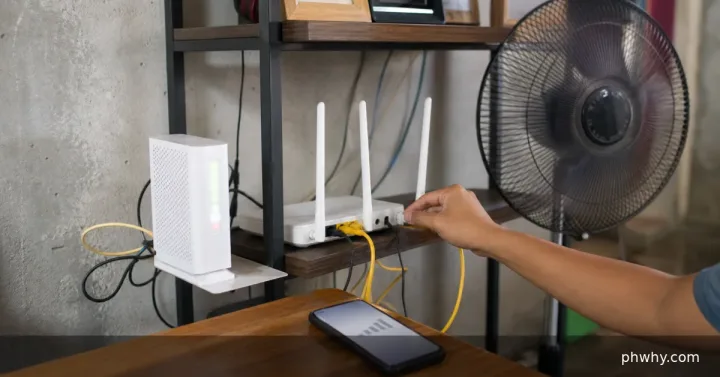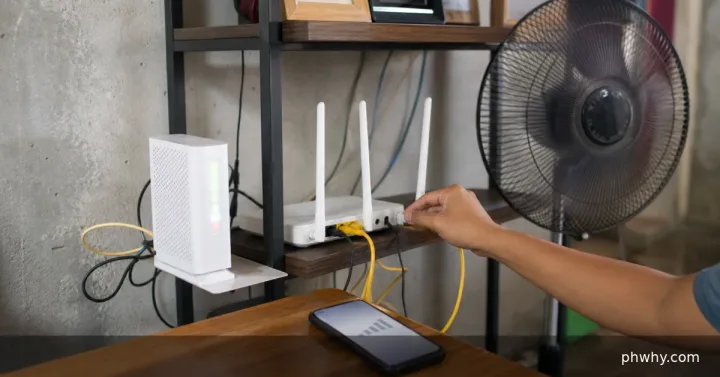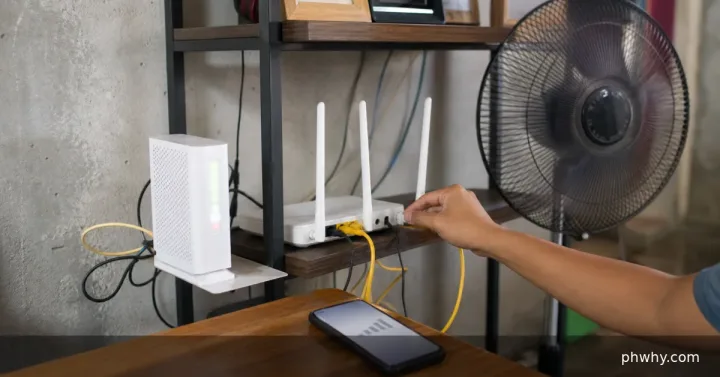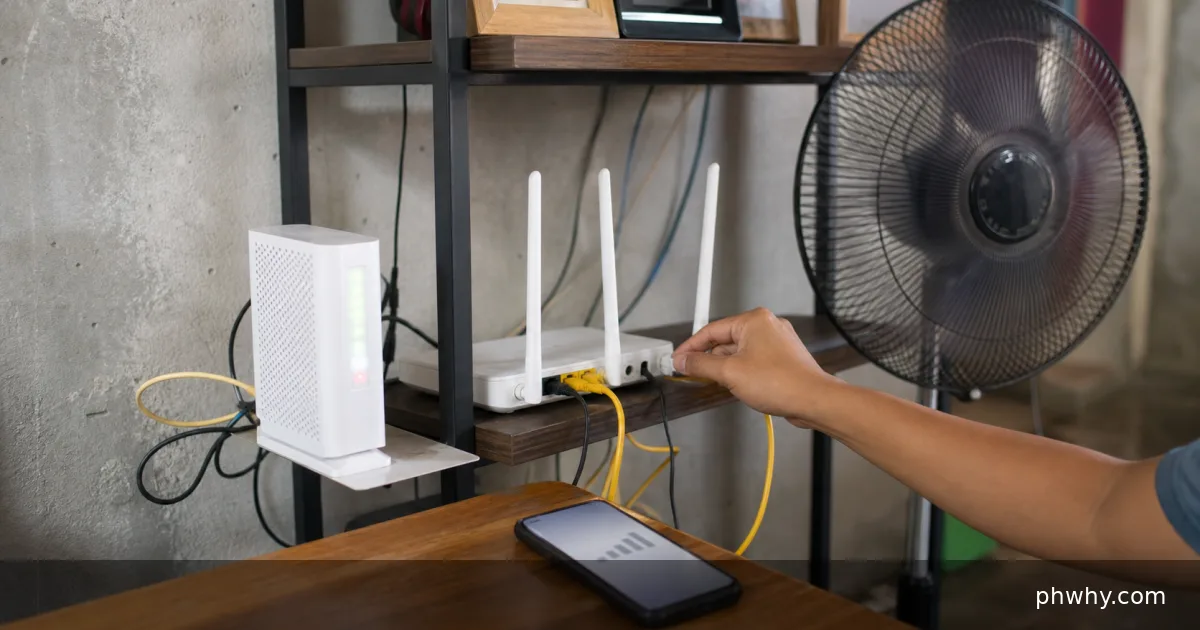
A red or blinking LOS light on a Converge fibre modem indicates loss of the optical signal. Check power and the visible fibre path, restart the modem once, note the PON and LOS lights, and raise an official Converge support ticket if the red light remains.
Your phone can remain connected to the Wi-Fi name while the internet is unavailable. That only confirms the phone-to-router link; it does not confirm that the router can reach Converge.
Checks you can do safely
- Test more than one device. If every device is offline, continue with the modem checks.
- Check account and outage information. Look at official Converge notices and make sure the account is active.
- Read the modem indicators. Record whether Power is on, PON is steady or blinking, and LOS is red or off.
- Inspect the cable path. Look for a loose-looking connector, a sharp bend, crushing, pet damage or recent work near the indoor outlet. Do not disconnect fibre just to clean it.
- Restart once. Power the modem off normally, wait several minutes, turn it on and allow enough time to register.
What red LOS means
LOS stands for Loss of Signal. The cause can be inside the premises, along the drop cable or farther upstream. Changing DNS, forgetting the Wi-Fi network or factory-resetting the modem will not restore a missing optical signal.
“Bakit red ang LOS ng Converge?” means “Why is the Converge LOS light red?” Include your barangay or service location privately when reporting an outage, along with the time it started and whether nearby subscribers are affected. Never post the account number or modem label publicly.
Prepare a useful support ticket
- Account holder and service address, sent only through the official channel
- Time the connection stopped
- Power, PON and LOS light status
- Whether all devices are affected
- Photo of the indicators with passwords and serial details hidden
- One restart already completed
Converge lists LOS red or blinking under its official technical and connection issues. Use the current contact options published by Converge rather than a number copied from an old social post.
Avoid making the fault worse
Do not sharply bend the fibre, look into an exposed connector, use household cleaner on it or let an unverified technician take the modem. Do not factory-reset unless official support specifically asks, because it can erase configuration without fixing the optical fault.
Official source checked: Converge ICT technical and connection issues. Support routes and modem models can change.