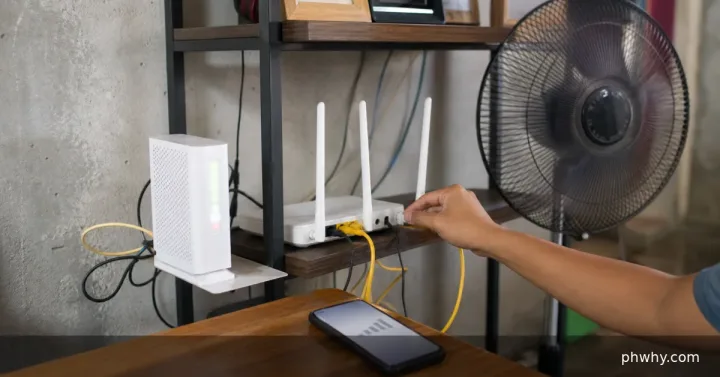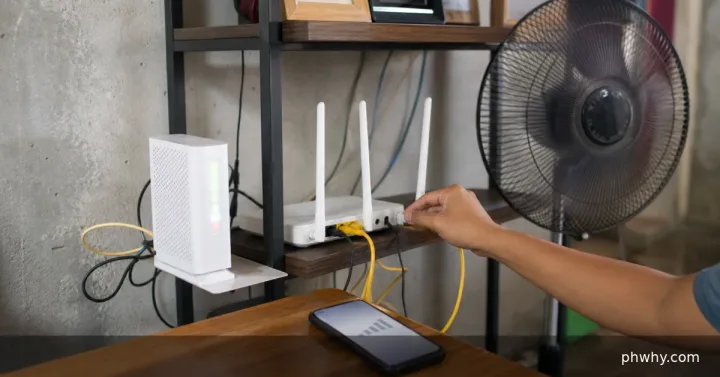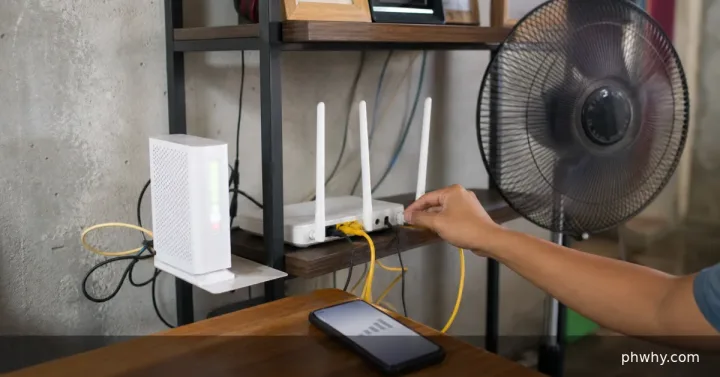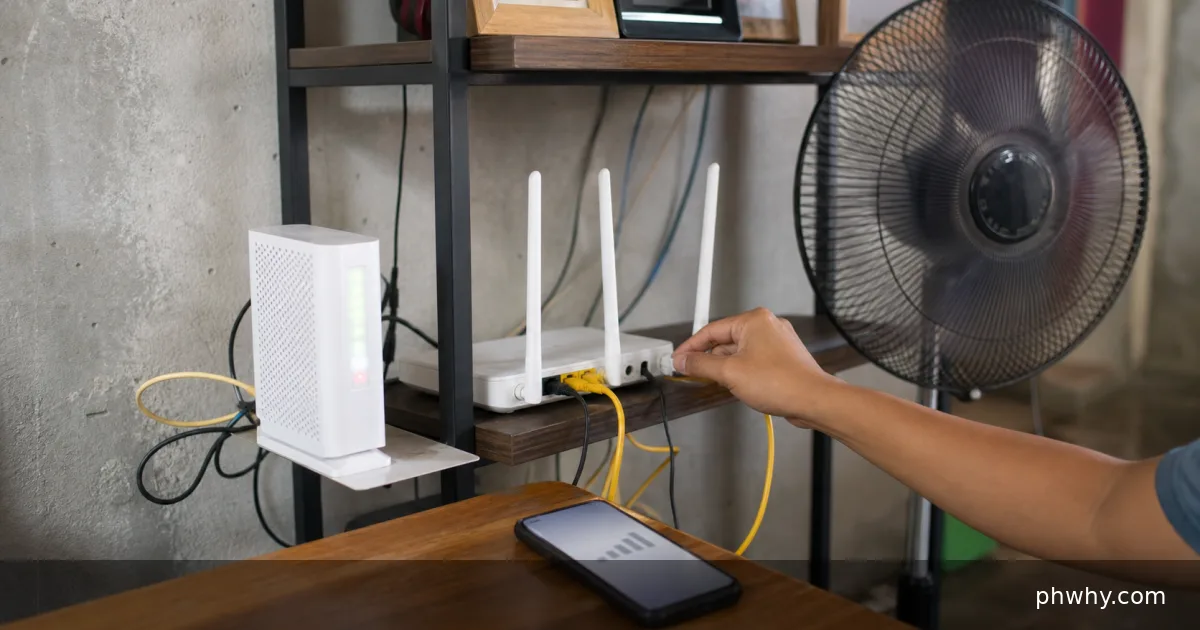
Quick answer: Update phone and router, test with one access point, improve overlap, and ask the carrier whether Wi-Fi-to-mobile call handoff is supported.
Wi-Fi calling may drop when the phone roams between access points, changes bands, loses internet briefly, or hands the call to mobile voice without carrier support. Work through one test at a time so the result identifies the layer that is failing.
Why this happens
The best clue is the boundary of the problem: one file or every file, one device or several, one network or every network. Note when it began and any update, hardware change, permission prompt, or account alert that happened just before it.
- Mesh nodes use weak backhaul or have a coverage gap.
- The phone clings to a distant access point and roams too late.
- Band steering or fast-roaming settings are incompatible with the phone.
- The carrier does not support a seamless handoff for that call type.
Fix it in the safest order
- Confirm the Wi-Fi calling indicator is active before the call.
- Walk the route while watching Wi-Fi signal and note the exact drop location.
- Update phone, carrier settings, mesh nodes, and router firmware.
- Test with only the nearest access point active to isolate roaming.
- Move or wire mesh nodes so their coverage overlaps without placing them in the dead zone.
Repeat the same small test after each change. Keep a note of the original setting so you can restore it if the change does not help.
How to confirm the fix
Three test calls should cross the route without audio gaps or disconnects; compare with mobile signal available and unavailable.
Common mistakes to avoid
- Do not enable every advanced roaming option at once.
- Do not place a mesh node where it already has poor upstream signal.
- Do not assume all carriers support Wi-Fi call handoff.
FAQ
Will stronger Wi-Fi bars always fix the call?
Not necessarily. The internet path, mesh backhaul, roaming timing, and carrier handoff policy also matter.
Should I reset or reinstall everything?
No. A factory reset destroys useful evidence and is rarely the first step. Back up important data, test a second file, account, network, or device, and use the narrowest reset that matches the confirmed cause.
Related PHWhy help
Browse more Internet & Wi-Fi guides or search PHWhy for the exact error message and device model.