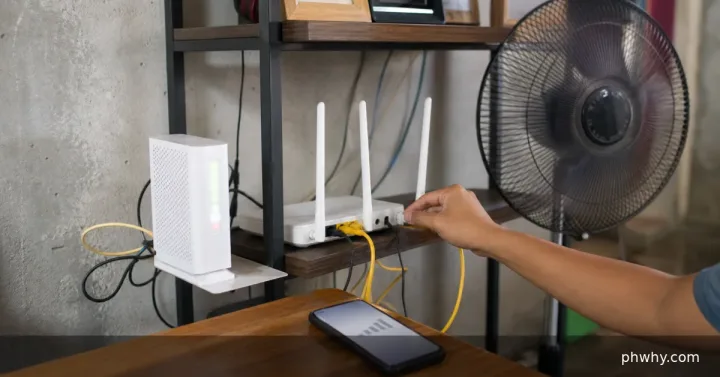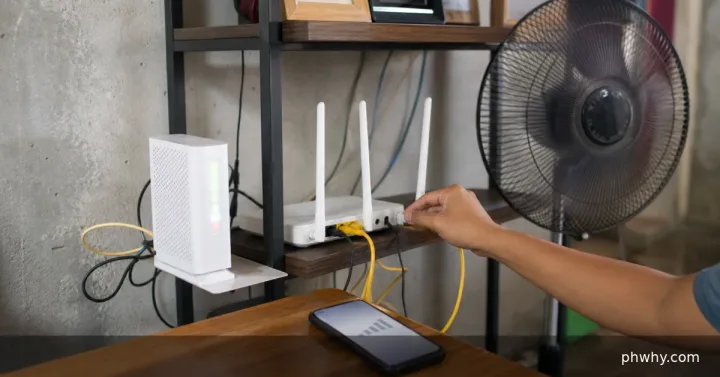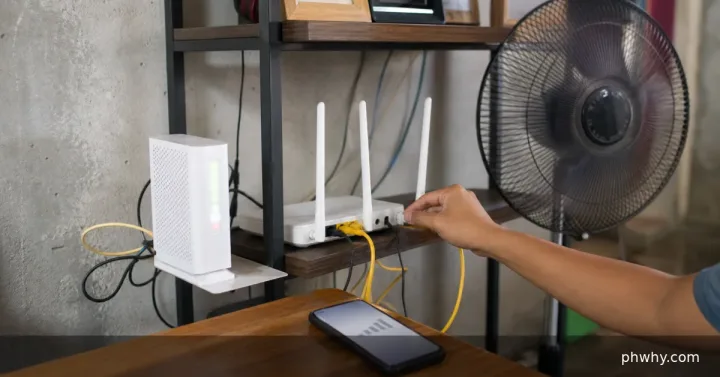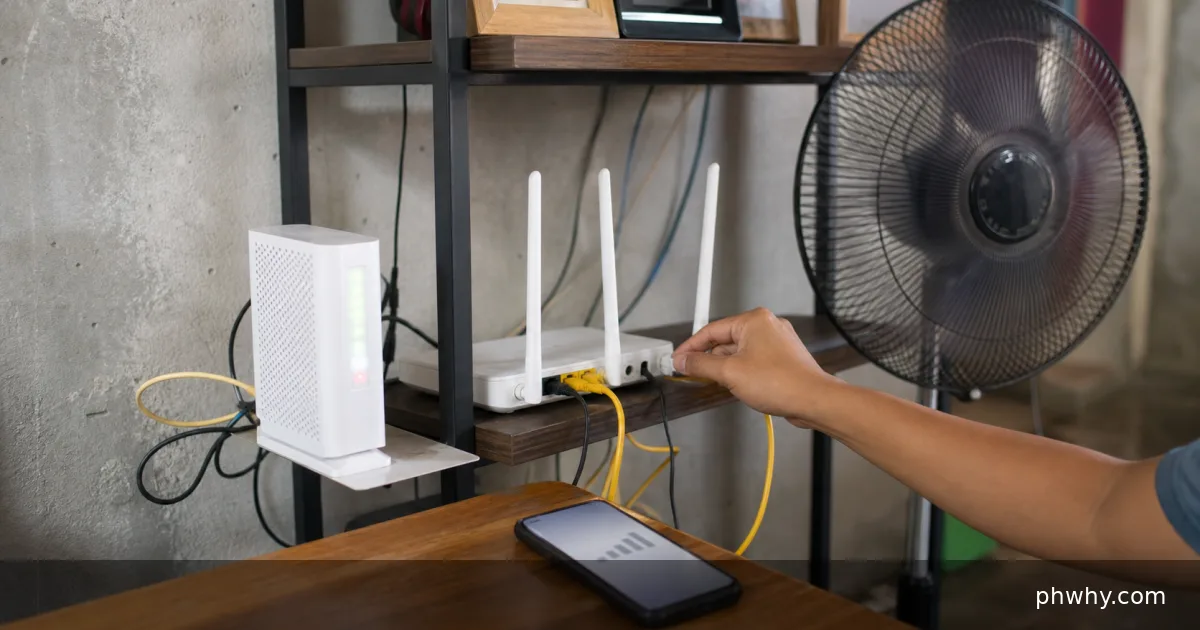
Quick answer: Pause the upload, compare latency while idle and uploading, then limit upload speed or configure smart queue management or QoS on the router.
Uploads can fill the connection’s upstream queue and delay every other packet, a problem often called bufferbloat. Work through one test at a time so the result identifies the layer that is failing.
Why this happens
The best clue is the boundary of the problem: one file or every file, one device or several, one network or every network. Note when it began and any update, hardware change, permission prompt, or account alert that happened just before it.
- The internet plan has much less upload than download capacity.
- Cloud backup uses the entire upstream link.
- A router builds a long queue instead of managing competing traffic.
- Weak Wi-Fi adds retries while the upload is already saturated.
Fix it in the safest order
- Measure idle latency and upload speed with no background transfers.
- Start one known upload and watch latency to the router and internet separately.
- Set the backup app to use roughly 70–85 percent of tested upload speed.
- Enable a well-supported smart queue or QoS feature using accurate line rates.
- Repeat over Ethernet to separate Wi-Fi airtime from ISP upstream congestion.
Repeat the same small test after each change. Keep a note of the original setting so you can restore it if the change does not help.
How to confirm the fix
A video call or repeated ping should remain stable while the controlled upload continues, with only a modest latency increase.
Common mistakes to avoid
- Do not set QoS rates higher than the real connection.
- Do not buy a faster router before testing the ISP upload limit.
- Do not leave multiple cloud backup tools uploading the same folders.
FAQ
Why can download speed look normal during the slowdown?
The upstream queue can delay acknowledgments, DNS, game, and call packets even while downstream capacity remains available.
Should I reset or reinstall everything?
No. A factory reset destroys useful evidence and is rarely the first step. Back up important data, test a second file, account, network, or device, and use the narrowest reset that matches the confirmed cause.
Related PHWhy help
Browse more Internet & Wi-Fi guides or search PHWhy for the exact error message and device model.