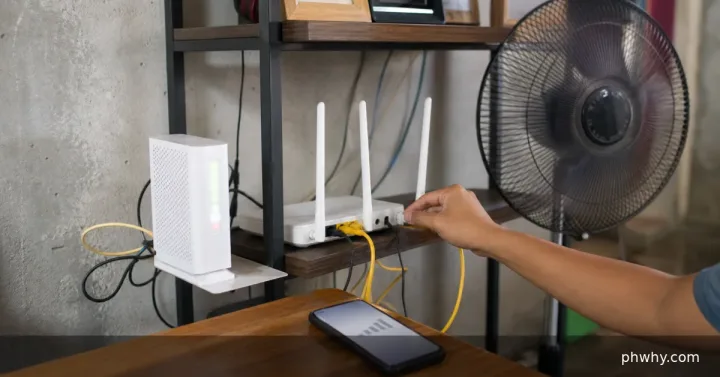
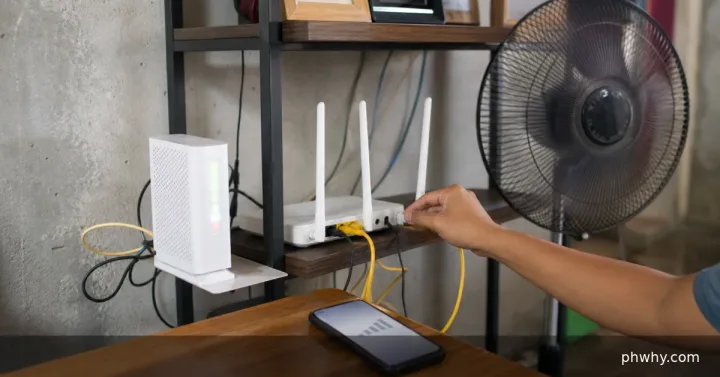
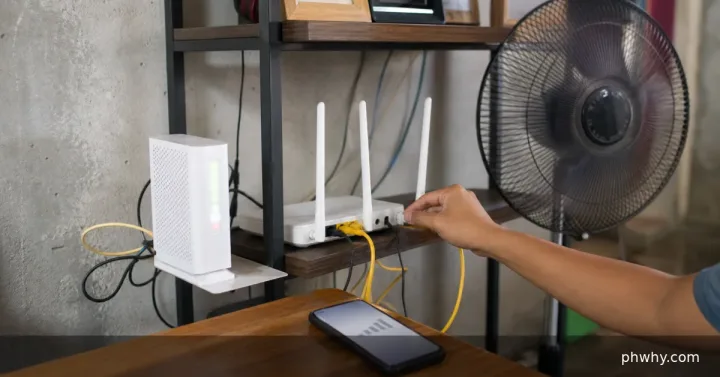
High ping is delay, not simply slow download speed. It can rise with weak signal, tower congestion, background uploads, a distant server, VPN routing or a carrier issue.
Short answer: Stop uploads, disable VPN for a test, move to a stronger-signal location and compare another server or time of day.
Check the likely cause first
- Measure latency more than once and note packet loss, not only download speed.
- Compare the same game or call on Wi-Fi and mobile data.
- Check whether the selected game region or VPN endpoint is geographically distant.
Fix it in the safest order
- Pause cloud backup, app updates, hotspot users and large uploads.
- Toggle airplane mode for about ten seconds to establish a fresh mobile connection.
- Move near a window or outdoors safely and compare 4G and 5G if the phone permits network selection.
- Use the nearest official game server and remove VPN or private DNS only for a controlled test.
Change one thing at a time and retest. That makes it easier to identify the cause and undo a setting if the result is worse.
How to confirm the fix
Run three tests and play or call for at least ten minutes. Stable latency with little packet loss matters more than one unusually low result.
What not to do
- Do not download “ping booster” APKs that request accessibility or VPN control.
- Do not repeatedly reset network settings without recording the original configuration.
When to contact support
Contact the mobile carrier with location, time, signal type and repeated measurements if latency is poor across services and devices.
For more step-by-step help, browse the PHWhy topic hubs or use the site search for the exact error message.