Secure the account through the provider’s official app or help center immediately, protect its linked SIM and email, and report suspicious transactions with their reference numbers. Never share an OTP, MPIN or password with a person claiming to recover funds.
What to do now
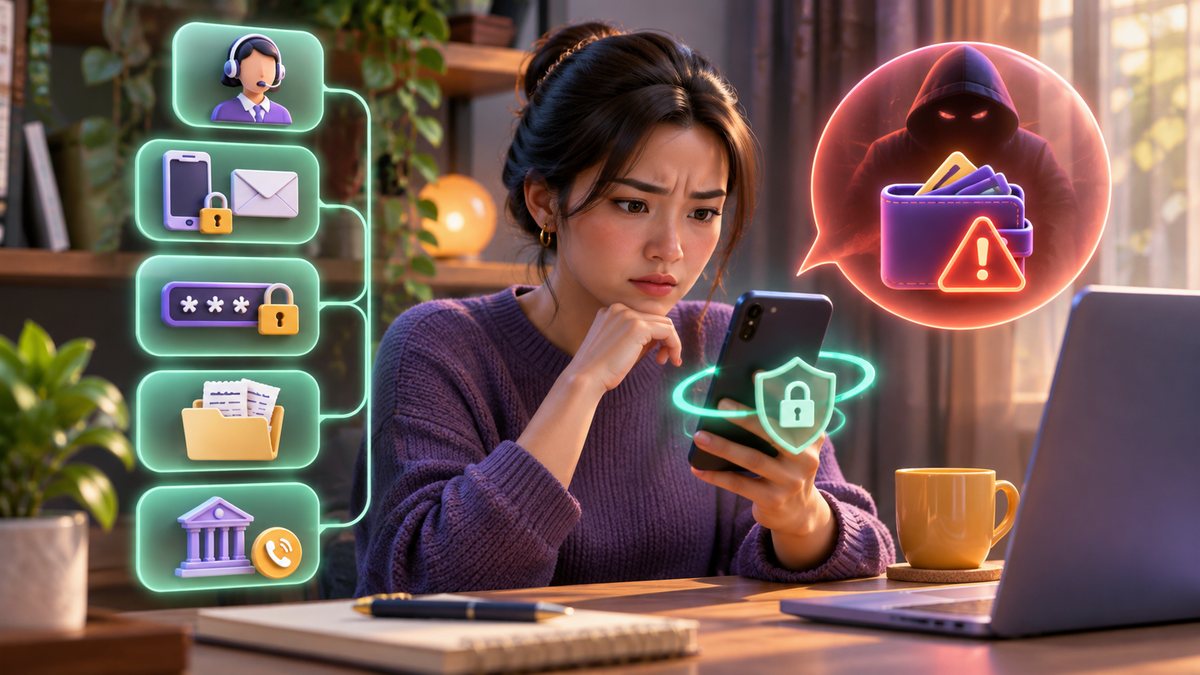
- Stop access safely. On a trusted device, open the wallet app directly. Change its MPIN or password and review any available device/session controls. If your phone is lost, use the provider’s lost-device process instead.
- Protect the linked number. If a SIM was lost or taken over, ask the carrier to bar it and start replacement under the registered owner’s name. See our Globe, Smart and DITO steps.
- Protect the email account. Change its password and review recovery methods and signed-in devices. A wallet reset link is only as safe as the email receiving it.
- Record the incident. Save transaction IDs, amounts, timestamps, recipient details and screenshots. Report through GCash or Maya’s official in-app/help-site flow and keep the ticket number.
- Follow up with connected institutions. If a bank or card was used, notify it as well. If you are dissatisfied with a regulated provider’s response, review the Bangko Sentral ng Pilipinas consumer assistance route.
Which official route applies?
GCash maintains a dedicated lost SIM or phone guide and a help-ticket guide. Maya provides guidance for suspected scams and purchase concerns. Choose the flow that matches your actual situation; an unrecognized merchant charge and a stolen device may need different reports.
Common mistakes
Do not wait for a social-media “recovery agent,” erase evidence or post full account details in public comments. Do not send funds to a “safe wallet” suggested by a caller. If you only suspect a transaction rather than a full account takeover, our unauthorized GCash/Maya transaction guide explains the evidence to keep.
Common questions
Can the provider reverse every transfer?
No outcome can be guaranteed. Report promptly and follow the provider’s documented investigation steps.
What if my phone number also stopped working?
Contact the carrier immediately from another device; a lost or replaced SIM can affect wallet recovery codes.
Sources and review: Official GCash, Maya and BSP guidance linked above; reviewed 7 November 2026. Provider requirements may change.