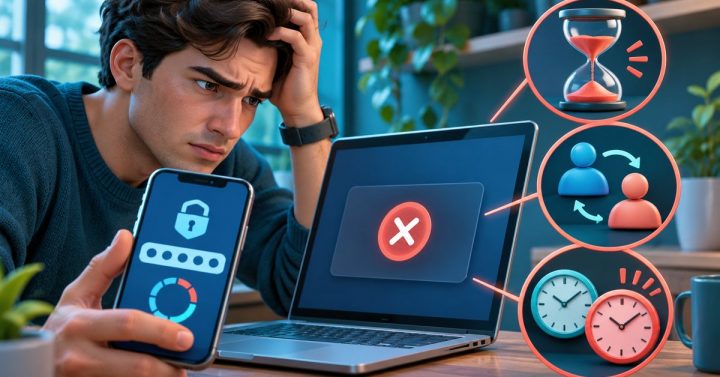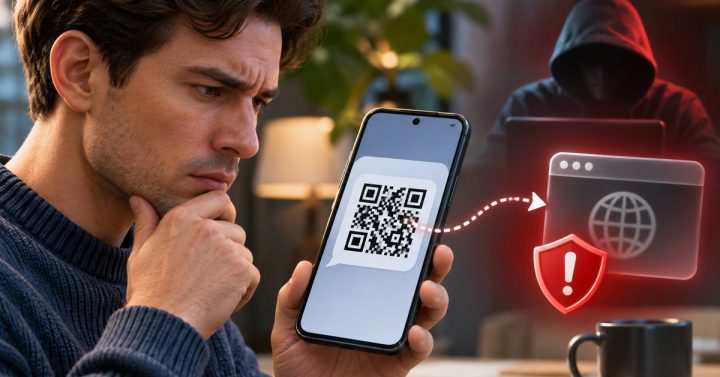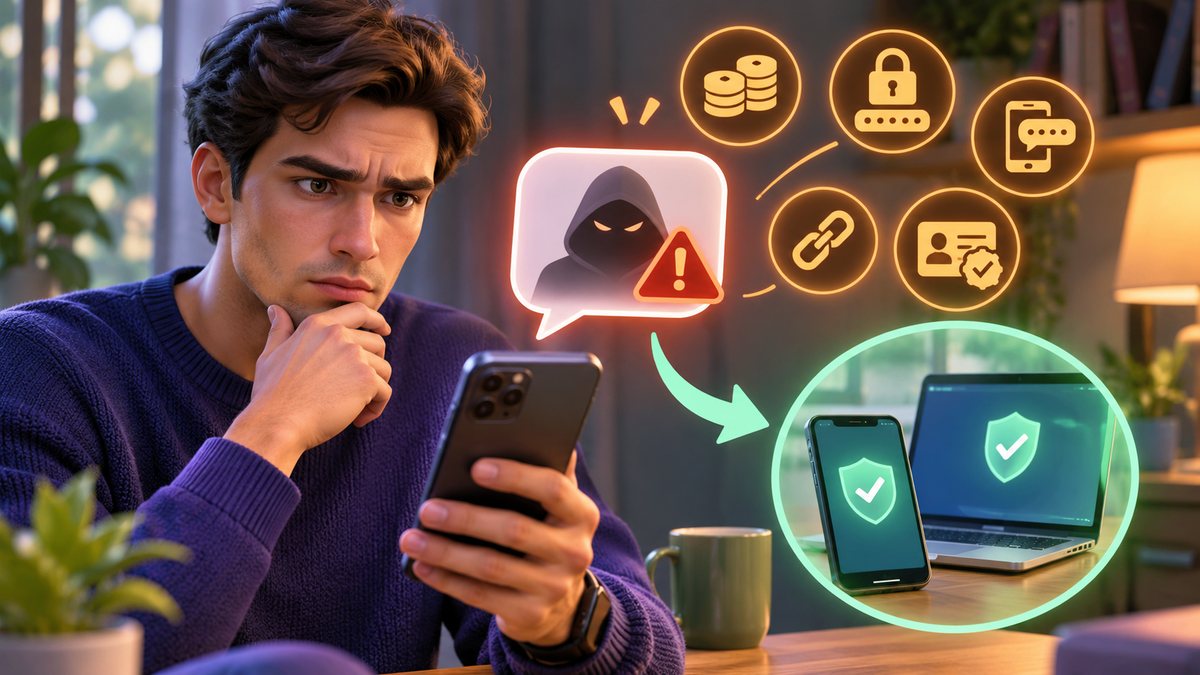
Pause before tapping a link or sharing a one-time password. Open the company’s official app or type its known website yourself, then check the claim there. A familiar sender name is not proof that an SMS is genuine.
Five checks before you act
- Look at the request. A message asking for an OTP, password, wallet PIN, card details or an immediate transfer is a major warning sign. Legitimate account recovery should start in the official app.
- Read the complete web address. Do not trust a brand name buried inside a longer, unrelated domain. Avoid shortened links when you cannot verify their destination.
- Check independently. Open the bank, wallet, courier or telco app from your home screen. If needed, call the support number published inside that app or on your statement.
- Compare the story with your activity. A delivery fee for an order you did not place or a surprise SIM-expiry threat deserves extra caution.
- Protect the evidence. Screenshot the message and its sender, then use your phone’s report and block controls. Do not forward a live phishing link to friends.
Philippines-specific examples
Scam texts may impersonate Globe, Smart, DITO, GCash, Maya, a parcel service or a government office. A sender ID can look convincing, so verify through the provider’s own channel. Be especially careful if a message demands that you “re-register” a SIM or move e-wallet funds to a supposedly safe account.
If you already tapped or replied
If you only opened a page, close it without entering details. If you entered a password, PIN or OTP, change that credential using the official app on a trusted device and contact the affected provider immediately. If money moved, save the transaction ID and file an official report. If the SIM or phone is missing, follow our lost-SIM guide; if a wallet was affected, see the unauthorized-transaction checklist.
Common questions
Can a genuine-looking sender name still be fake?
Yes. The name displayed by a messaging app is not an independent identity check. Confirm the request in an official app.
Should I reply STOP?
For an unexpected suspicious message, avoid replying. Use the phone’s block/report control instead; a reply can confirm that your number is active.
Sources and review: Checked 7 November 2026 against the GCash Help Center and Maya scam guidance. Exact provider menus can change; use their current official help pages before submitting information.