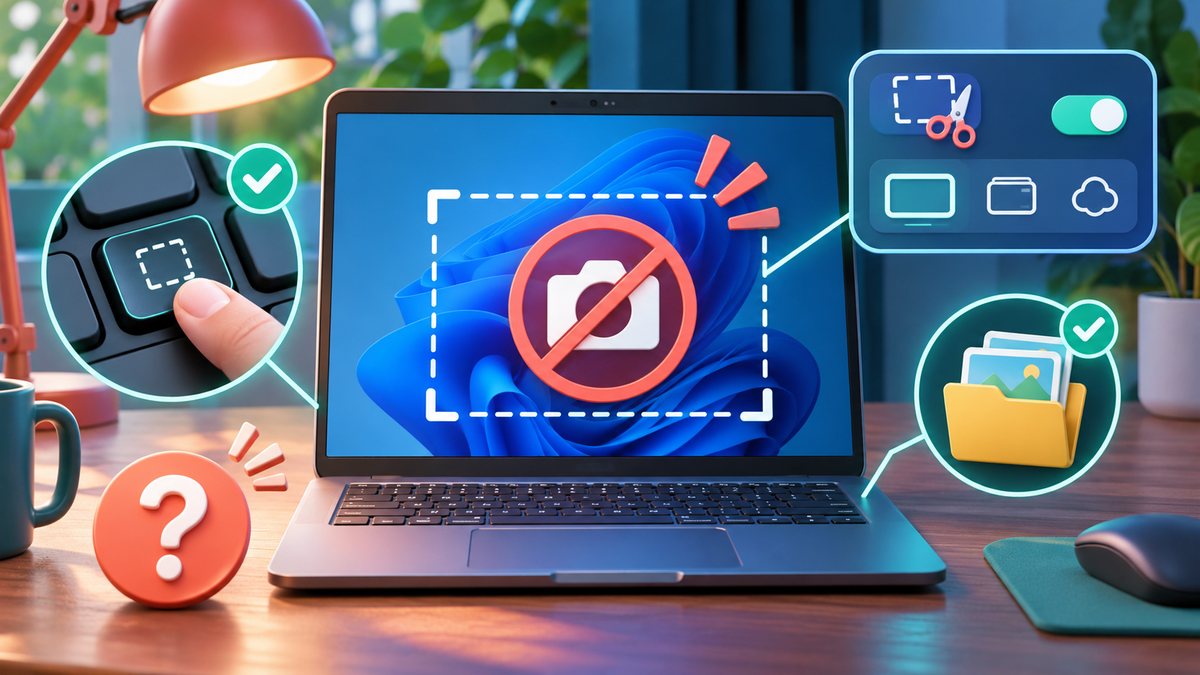
When a screenshot shortcut seems broken, the image may actually be copied to the clipboard rather than saved as a file. Different shortcuts behave differently, and a keyboard may require its Fn key for Print Screen. First decide whether you need a copied image or a saved file.
Find the missing screenshot
- Press Windows, Shift and S, then select a small area. Open an image editor or message draft and paste. If the image appears, the capture worked.
- Try Windows and Print Screen, then check the Pictures/Screenshots folder. On some keyboards, hold Fn as well.
- Open the Snipping Tool directly from the Start menu and make a test capture. Check notifications for a prompt to save or edit it.
- Confirm that another app has not taken over the shortcut. Temporarily close screen-recording or keyboard-mapping tools and repeat the test.
- Restart the computer if the shortcuts and the Snipping Tool both fail after an update.
Keep the test image free of passwords and private messages. If only one external keyboard fails, try the laptop keyboard or another USB port before changing Windows settings.
Separate the shortcut from the app
Microsoft documents Windows + Shift + S as the shortcut that opens the Snipping Tool overlay in its current Snipping Tool guide. Search Start for Snipping Tool and choose New. If that works but the shortcut does not, test whether the Windows and Shift keys work separately, then close any keyboard remapping or screen-capture utility that could intercept the combination. If the overlay opens but no file appears, remember that a snip may be on the clipboard or inside Snipping Tool until you save it.
Is Print Screen the same shortcut?
No. Print Screen behavior can differ by keyboard and Windows setting. Use the app’s New button to identify whether the fault is the keyboard shortcut, capture overlay or save step before reinstalling anything. Source check: 7 November 2026.