Quick answer: A Windows laptop that shows the wrong time after sleep usually needs its time zone or automatic clock settings checked. If the error is an exact number of hours, inspect the time zone first. If it grows by minutes or returns after a full shutdown, test synchronization and then consider a device clock or firmware problem. Sleep alone should not require you to reset the clock every day.
Find out which kind of error you have
Compare the laptop with a phone showing the same time zone. Note the time immediately before sleep and just after waking. An exact one-hour or several-hour offset points toward a time-zone setting; a changing difference of a few minutes suggests that the clock is not staying synchronized. Also check whether the date is wrong, because a date error can make sign-in codes and secure websites fail.
Check Windows settings in order
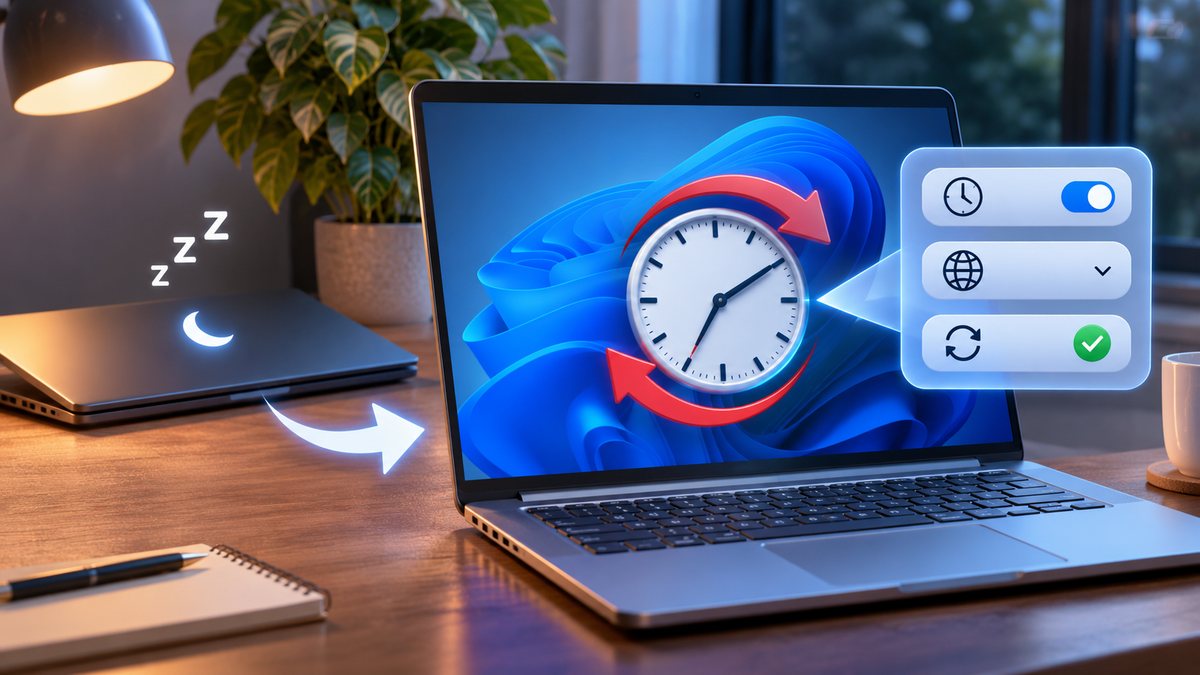
- Open Start → Settings → Time & language → Date & time. Turn on Set time automatically. Microsoft documents this path in its date and time settings guide.
- Inspect Set time zone automatically. If it repeatedly chooses the wrong zone, turn that option off and select the correct zone manually. For a laptop staying in the Philippines, choose the UTC+08:00 zone that matches your location; do not change the clock itself to compensate for a wrong zone.
- If the displayed zone is correct but the time is still wrong, use the available Sync now control while connected to the internet. The label and position can vary by Windows version. Wait for synchronization, then test one sleep-and-wake cycle.
- Restart the laptop and compare again. Record whether the fault occurs only after sleep, after restart, or after a full shutdown. That distinction helps the manufacturer or support technician investigate it.
If it keeps happening
Check that Windows updates are installed and that the laptop has a stable internet connection when it wakes. If automatic time-zone detection is the only part failing, leave the zone set manually. If the clock loses time even when the zone is correct and after a full shutdown, contact the laptop maker about firmware or clock hardware. Avoid repeatedly setting a false manual time just to get past a login prompt; it can hide the cause.
Related question
Is your clock wrong even when the laptop has not slept? Follow our general Windows clock checklist to separate time-zone, synchronization and hardware symptoms.