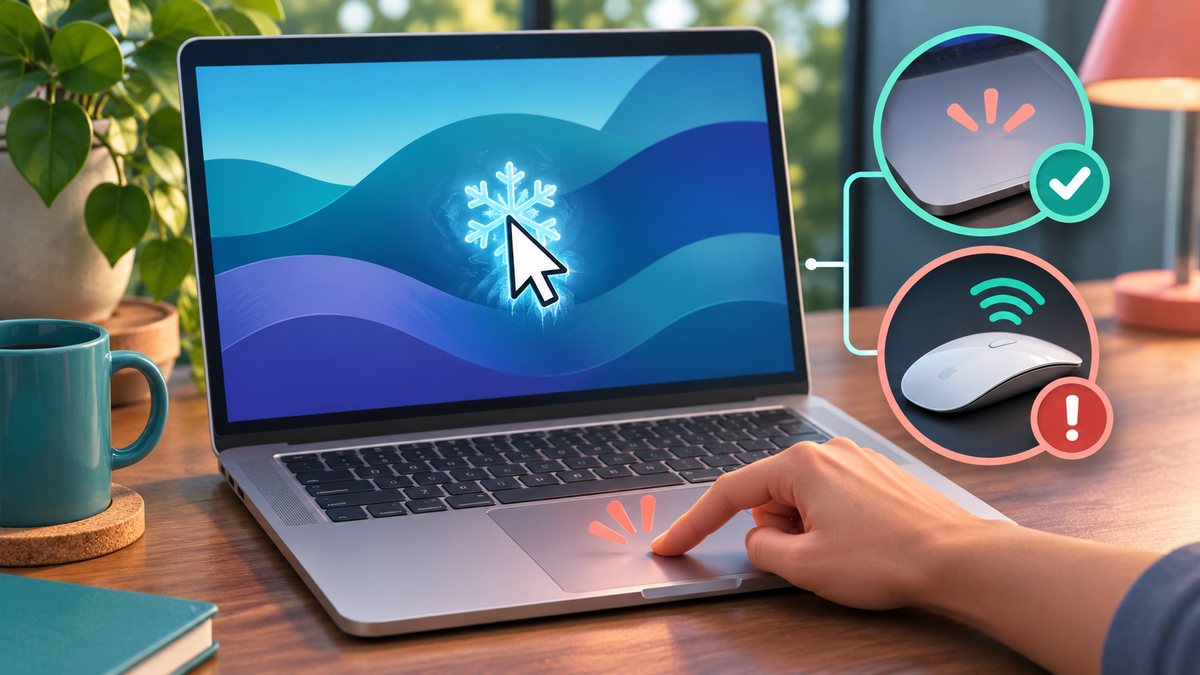
A Mac trackpad can still make a click sound while the pointer does not move. That does not prove the trackpad is working normally: the system may be busy, an external pointing device may be interfering, or the trackpad surface may not be responding to movement. Save open work with the keyboard if you can before restarting.
Test the pointer
- Wait a moment and press Command and Tab to switch apps. If the keyboard also stops responding, the Mac may be frozen rather than the trackpad alone.
- Disconnect an external mouse, drawing tablet or USB hub, then try moving the cursor again.
- Clean and dry your fingers and the trackpad surface. Remove anything resting on the pad or pressing its edges.
- Open System Settings with the keyboard if possible and inspect Trackpad settings. Test a different gesture rather than changing many options at once.
- Restart the Mac after saving work. If the problem returns, test in another user account and note whether it happens only after sleep or charging.
Do not open the computer or press hard on the pad. If the trackpad is physically raised or the case is swelling, stop using the Mac and seek qualified service.
How to narrow down the fault
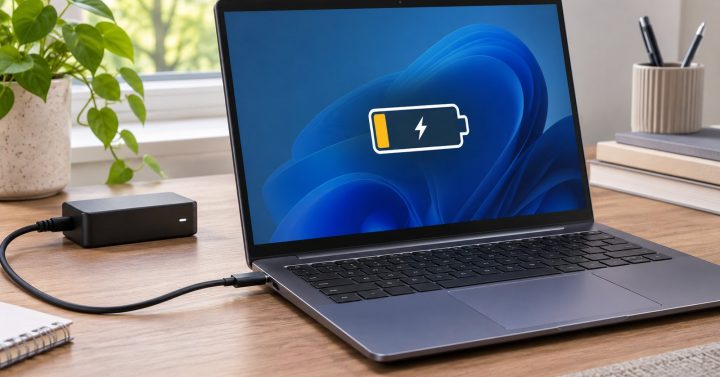
Apple’s trackpad troubleshooting guide notes that a low battery alert may be hidden when the pointer cannot move. Connect power, wait briefly and test again. Disconnect an external mouse or drawing tablet, then try an external mouse to see whether the pointer itself can move. If it can, inspect System Settings → Trackpad and Accessibility → Pointer Control for settings that affect trackpad input. Restart only after saving work through the keyboard where possible.
When should I stop troubleshooting?
If the trackpad is physically swollen, unusually hot, or the Mac’s case appears raised, disconnect power and seek qualified service. Do not press down hard on the trackpad. If an external mouse also fails, the problem may be a frozen app or system rather than the trackpad alone. Note the Mac model and macOS version for support. Source check: 7 November 2026.