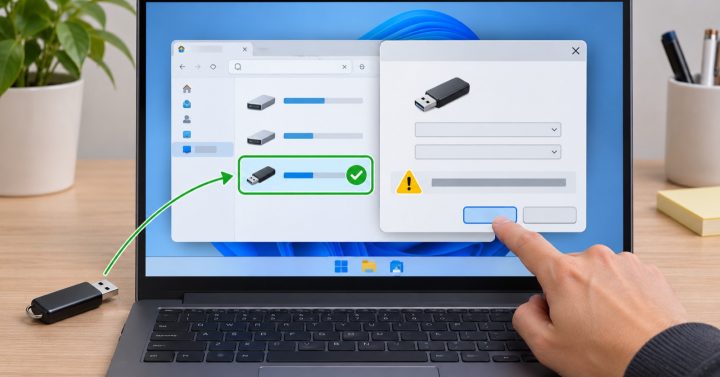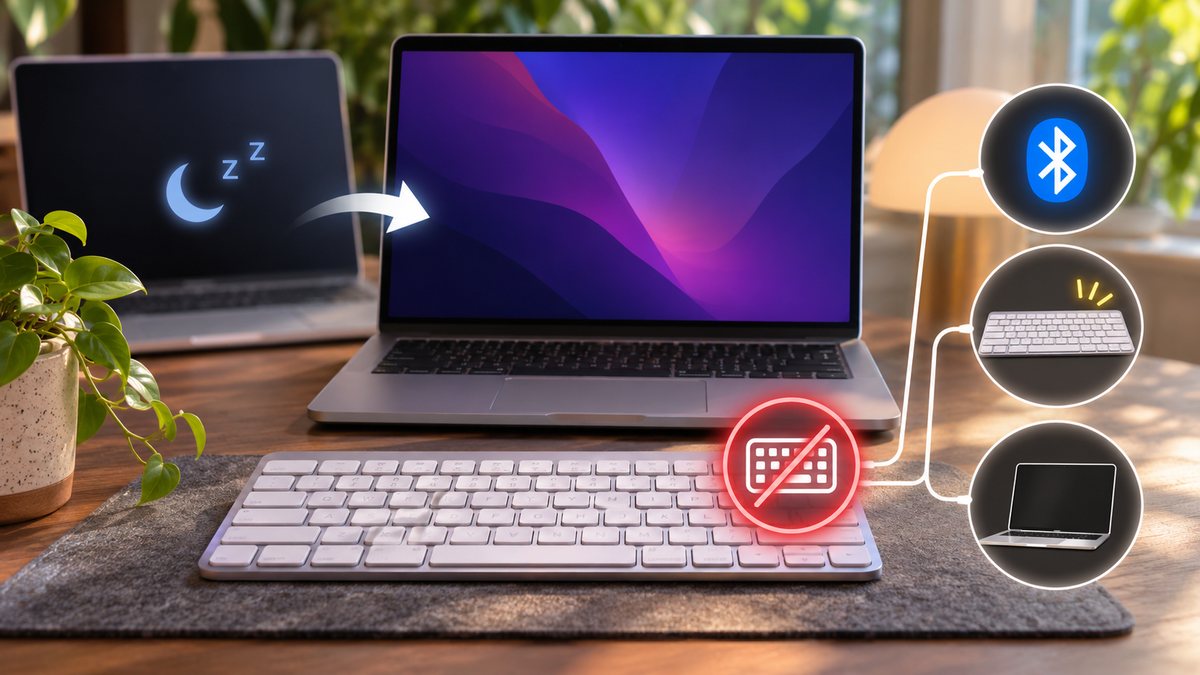
Quick answer: If a Mac keyboard stops responding after sleep, first check whether the built-in keyboard or another input device still works. A failure limited to one external keyboard usually points to its power, Bluetooth link, cable or port. If every keyboard is affected, look at the Mac’s settings and software before assuming the accessory has failed.
Separate a connection problem from a typing problem
Try typing a few harmless characters in a different app, such as a new note. Test more than one key. If only a particular app ignores input, quit and reopen that app before changing Mac-wide settings. If a MacBook’s built-in keyboard works but an external keyboard does not, keep the working input available while you troubleshoot. For a desktop Mac with only one keyboard, have a mouse or another keyboard ready before removing a Bluetooth pairing.
For a Bluetooth keyboard
- Check that the keyboard is switched on and charged, and that Bluetooth is enabled on the Mac. Apple’s keyboard troubleshooting guide starts with these checks.
- Open System Settings → Bluetooth and see whether the keyboard shows as connected. Turn the keyboard off and on, then disconnect and reconnect its Bluetooth connection if needed. Do not remove the pairing until you know you can still control the Mac.
- Wake the Mac again and test immediately, then after a longer sleep. Note whether the issue happens only after the keyboard has been idle or every time the Mac wakes.
For a wired keyboard or dock
Unplug and reconnect the keyboard without forcing the connector. Try a different Mac port if available. If it connects through a dock or hub, test a direct connection to the Mac; that isolates the dock. If another keyboard works on the same port, the original keyboard is the stronger suspect. Apple also recommends testing the keyboard on another Mac where possible.
When keys work only after a delay
That is a different symptom from a dead connection. Check System Settings → Accessibility → Keyboard for Slow Keys, which requires a longer press before a key is recognized. Also check that Mouse Keys has not changed how some keys behave. Apple documents both settings in the same guide. Do not erase the Mac or reset every setting for a single intermittent wake issue.
Related question
If other Bluetooth accessories also disconnect, use our guide to Mac Bluetooth disconnections. If only this keyboard fails on multiple Macs, contact its manufacturer about service.