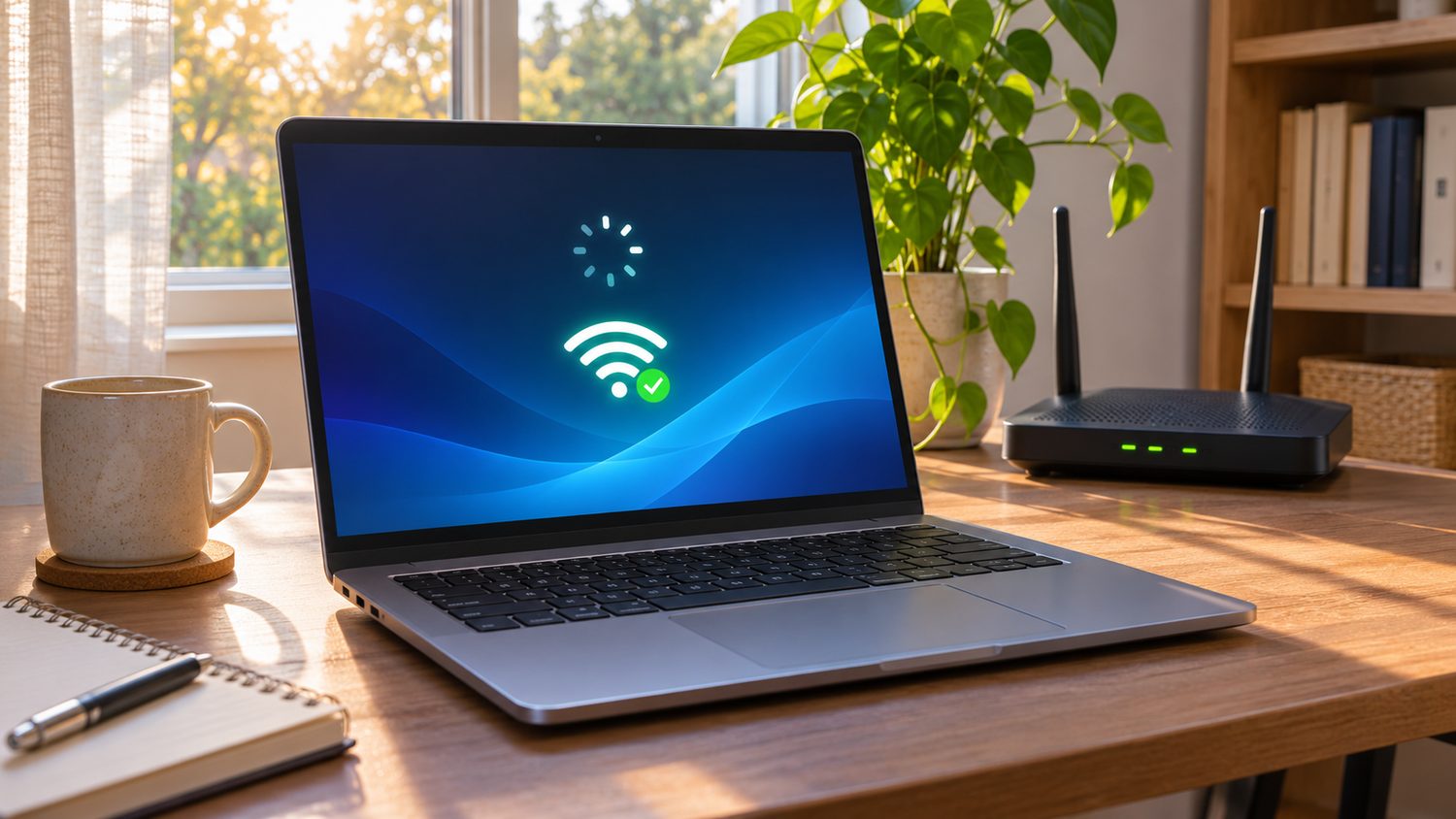
If Wi-Fi disconnects whenever your laptop wakes from sleep, first separate a wireless connection problem from an internet problem. A laptop can show the network name yet fail to load pages because the router or internet service is down. Work through the checks below before changing drivers or resetting network settings.
Check what actually disconnected
- Wake the laptop and look at its Wi-Fi icon. If Wi-Fi is off, turn it on and reconnect to your usual network.
- Open a new browser tab and try two unrelated websites. If both fail, test the same Wi-Fi network on a phone. If the phone also fails, restart the router using its normal controls and check the service status with your provider.
- If only one app is stuck, quit and reopen that app. A stale app connection can look like a laptop-wide outage.
Reconnect without losing settings
On Windows, open Settings, Network & internet, Wi-Fi and confirm Airplane mode is off. Select your network again. If it repeatedly drops, use the built-in Network and Internet troubleshooter. Microsoft’s Wi-Fi troubleshooting guide also describes how to forget a network and reconnect, and how to review adapter power settings. Before forgetting a network, make sure you know its password.
On a Mac, open Wi-Fi settings and reconnect to the intended network. If the Mac connects to the router but pages still fail, Apple’s Wireless Diagnostics guide explains how to analyze the connection. Restarting the Mac is a reasonable next check after saving work.
Escalate carefully
If the failure began after a system update, check for another system or manufacturer Wi-Fi driver update. Record the laptop model, operating system version, network name and exact wake time before contacting support. Avoid a full network reset as a first move: it can remove saved network and VPN settings. If another device on the network also appears disconnected, our Wi-Fi printer troubleshooting guide can help you compare whether the issue is limited to the laptop. The key result is to identify whether the failure follows the laptop, the Wi-Fi network, or a single app.