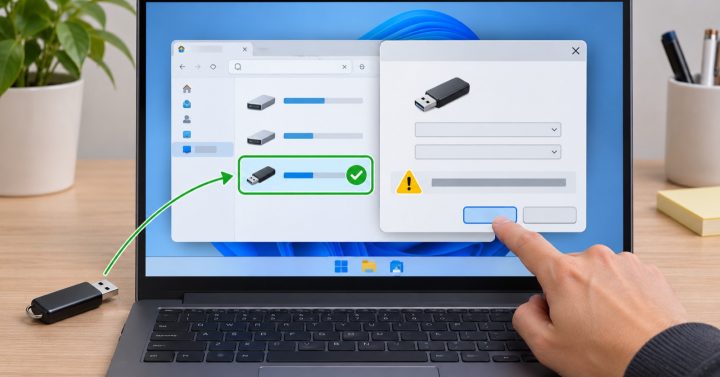
AirDrop can remain on Waiting even when both Macs appear in the sharing window. The sender may have found a device without completing the transfer handshake, or the receiver may be waiting for an approval that is hidden behind another window. Keep both computers awake while testing with one small file.
Work through the connection
- Move the Macs close together and confirm that Wi-Fi and Bluetooth are enabled on both. Disconnect from a personal hotspot during the test.
- Open AirDrop in Finder on the receiving Mac and check its visibility setting. If Contacts Only fails, try Everyone for a short test and restore the preferred setting afterward.
- Look for an incoming transfer prompt on the receiver, including behind full-screen apps. Accept only files from a sender you recognize.
- Cancel the stalled transfer and try one small image rather than a large folder. Restart both Macs if repeated small transfers also wait indefinitely.
- Check whether a firewall or managed-device policy blocks sharing if the issue occurs only on a work Mac.
Do not disable security controls permanently to make a transfer work. If one direction succeeds but the reverse fails, focus on the receiving Mac’s visibility and approval settings.
Check the receiving Mac first
On both Macs, turn on Wi-Fi and Bluetooth and keep them nearby. Open Finder → AirDrop on the receiving Mac and confirm that its discovery setting allows the sender. “Contacts Only” depends on both people’s contact details and Apple Account identity; for a short trusted test, use the available “Everyone for 10 Minutes” option and return to the stricter setting afterward. Apple’s AirDrop guide describes these controls and the current receiving flow. Keep both Macs awake until the transfer completes.
What if the receiver appears but the transfer remains waiting?
Cancel that one attempt and send a small file. If it works, retry the original file and check available storage on the receiving Mac. If it fails on both directions, restart Wi-Fi and Bluetooth and check whether a VPN or firewall policy on a managed Mac is involved. Source check: 7 November 2026.