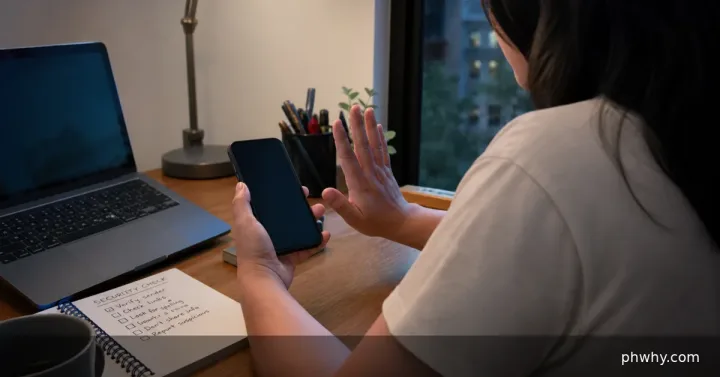
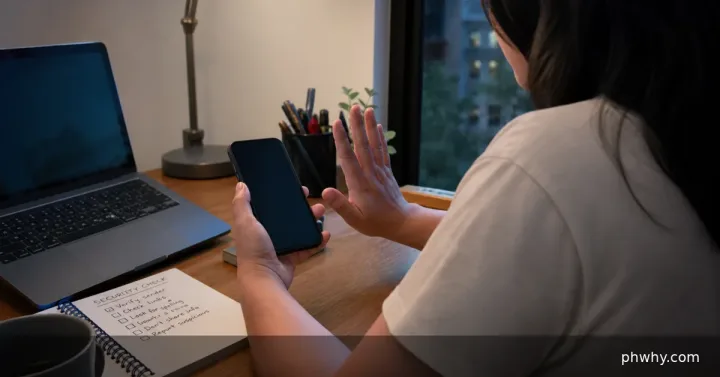
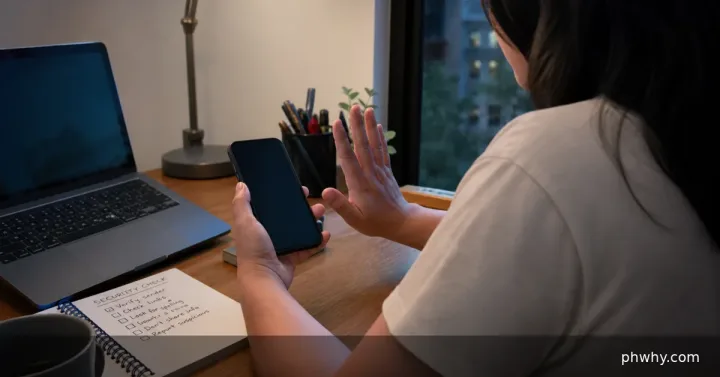
A scam caller may know your full name from public profiles, marketing lists, delivery records, an old data breach or simple caller research. That detail alone does not authenticate the caller.
Assess what the caller actually knew
- Write down the number, time, claimed organisation and exact request.
- Separate information the caller stated from details you accidentally confirmed.
- Check whether they asked for an OTP, MPIN, password, card number, remote-access app or urgent payment.
Respond in the safest order
- Stop the conversation and block the number after preserving any evidence.
- Open the real service independently and review recent logins, transactions and recovery details.
- Change a password only if it was shared, reused or the account shows suspicious activity.
- Tell the bank or provider fraud team what information was exposed.
- Warn close contacts if the scammer may impersonate you next.
Caller ID can be spoofed, so a familiar number or local area code is not reliable proof. Legitimate support staff should not ask for an OTP, full password or remote control of your phone.
How to confirm your accounts are safe
Check for unknown sessions, changed recovery details, new beneficiaries, SIM-service requests and unrecognised transactions. Keep monitoring alerts for several days.
What not to do
- Do not call back using a number in a suspicious text message.
- Do not install screen-sharing or remote-access software for an unsolicited caller.
- Do not move money to a so-called safe account.
When to get urgent help
Contact the bank and mobile carrier immediately if you shared an OTP, MPIN, password, card details or installed remote-access software. Report financial loss through official fraud channels and preserve messages and transaction records.
For more guidance, browse the PHWhy topic hubs or search for the exact scam method.