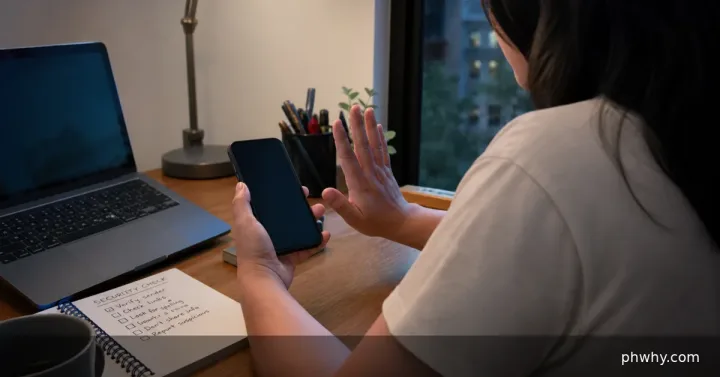
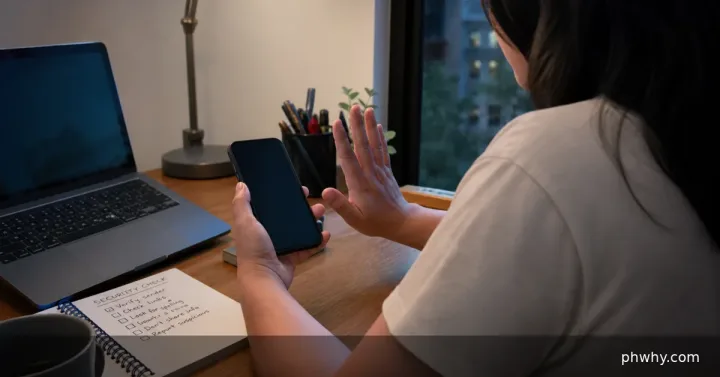
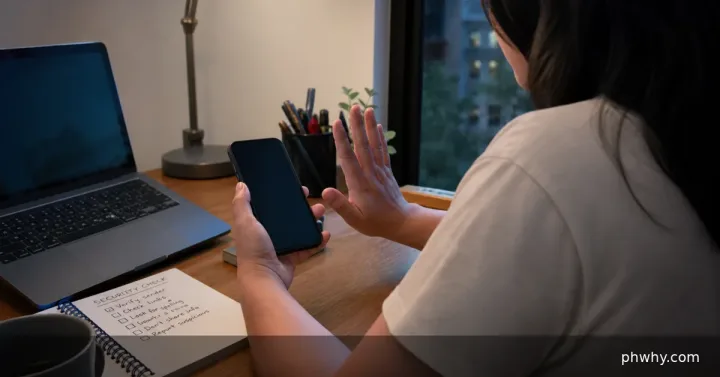
A convincing logo and padlock do not prove that a login page belongs to the real service. Phishing pages often use a similar domain, urgent language and a request for a password or one-time code.
Short answer: Do not use the link; open the official app or type the known domain yourself, then let your password manager verify the site.
Check the likely cause first
- Read the registered domain from right to left and look for misspellings or extra words.
- Ask whether you expected the login and whether the message creates unusual urgency.
- Notice if the password manager refuses to offer the saved credential.
Fix it in the safest order
- Close the page without entering anything and open the service from a bookmark or official app.
- Check account alerts inside the service rather than through the message.
- If credentials were entered, change the password from a clean device and revoke unknown sessions.
- Report the phishing message to the service and your email or messaging provider.
Change one thing at a time and retest. That makes it easier to identify the cause and undo a setting if the result is worse.
How to confirm the fix
The legitimate page should use the service’s exact domain and your password manager should recognize the saved origin.
What not to do
- Do not call a phone number shown on the suspicious page.
- Do not approve an MFA prompt you did not initiate.
When to contact support
Contact the real provider immediately if money moved, an account email changed or recovery settings were altered.
For more step-by-step help, browse the PHWhy topic hubs or use the site search for the exact error message.